Overview
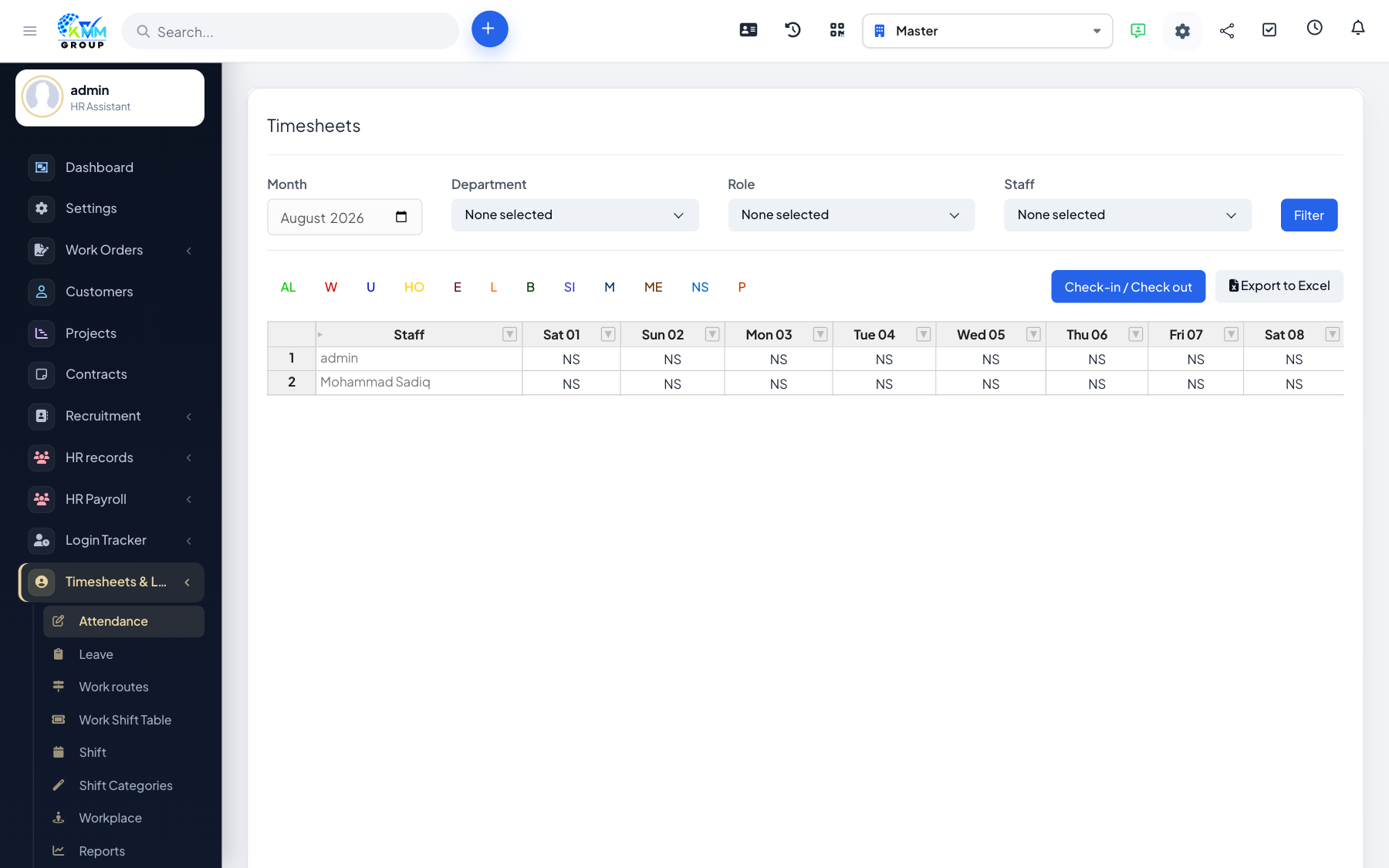
Timekeeping is the main attendance screen. It shows who clocked in and out and calculates the hours each person worked, day by day.
Steps
- Go to Timesheets & Leave > Attendance (
/admin/timesheets/timekeeping). - Staff check in and out; the grid shows the hours worked per day.
- Filter by staff, department or month to focus the view.
- Open a day to see the detailed check-in/out times.
- Edit or add attendance entries where corrections are needed.
Tips
- Fix missed or wrong clock-ins promptly so the month totals stay accurate for payroll.