Overview
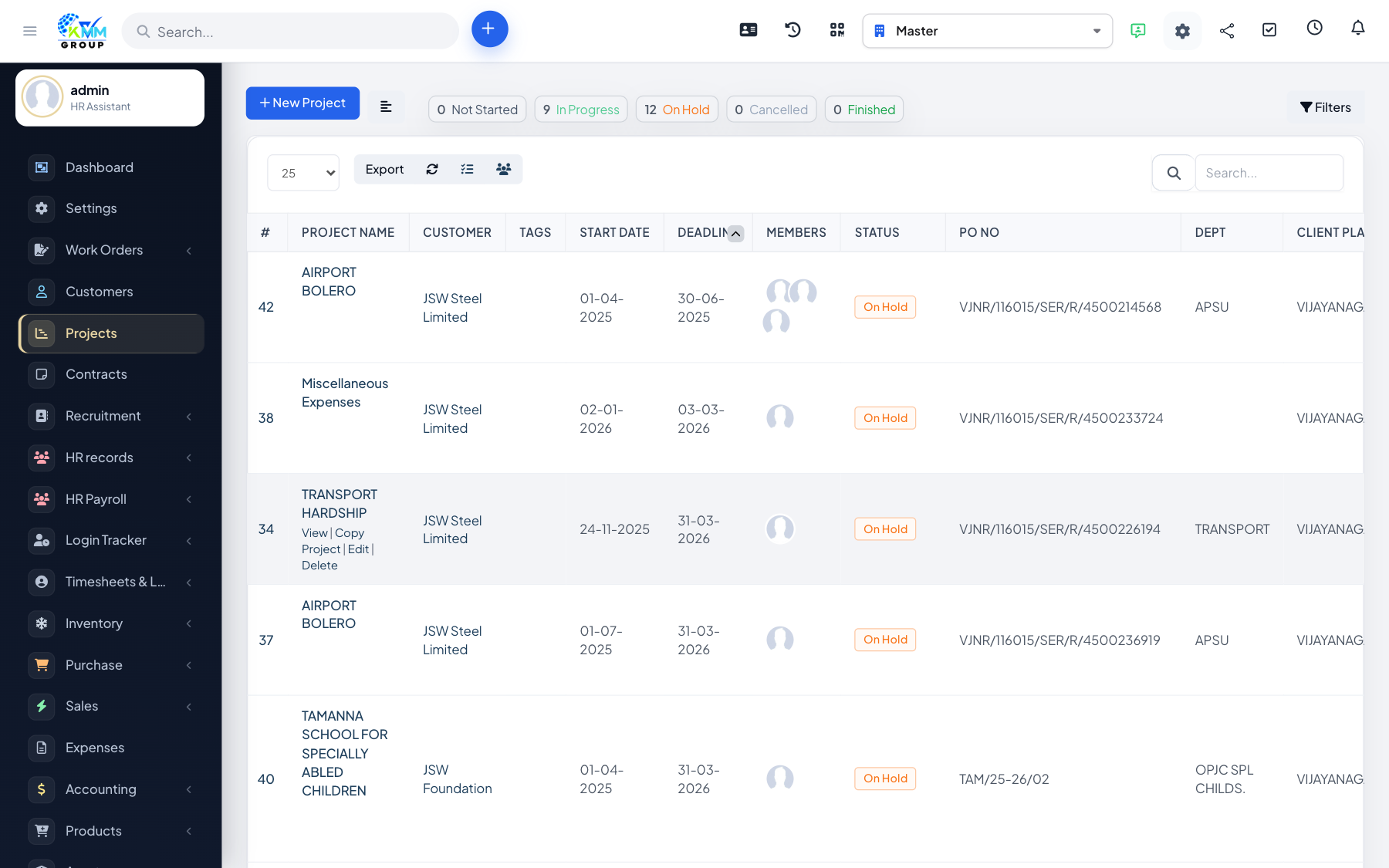
Your customers can follow their project from the client portal, seeing only the information you choose to share. This keeps them informed without giving away internal detail.
Steps
- Control visibility per tab, file and discussion so customers see only the right information.
- Use view as client to preview the project exactly as the customer sees it.
- Share progress, milestones, files and discussions you have marked visible.
Tips
- Always use view as client before sharing, to confirm nothing internal is exposed.