Overview
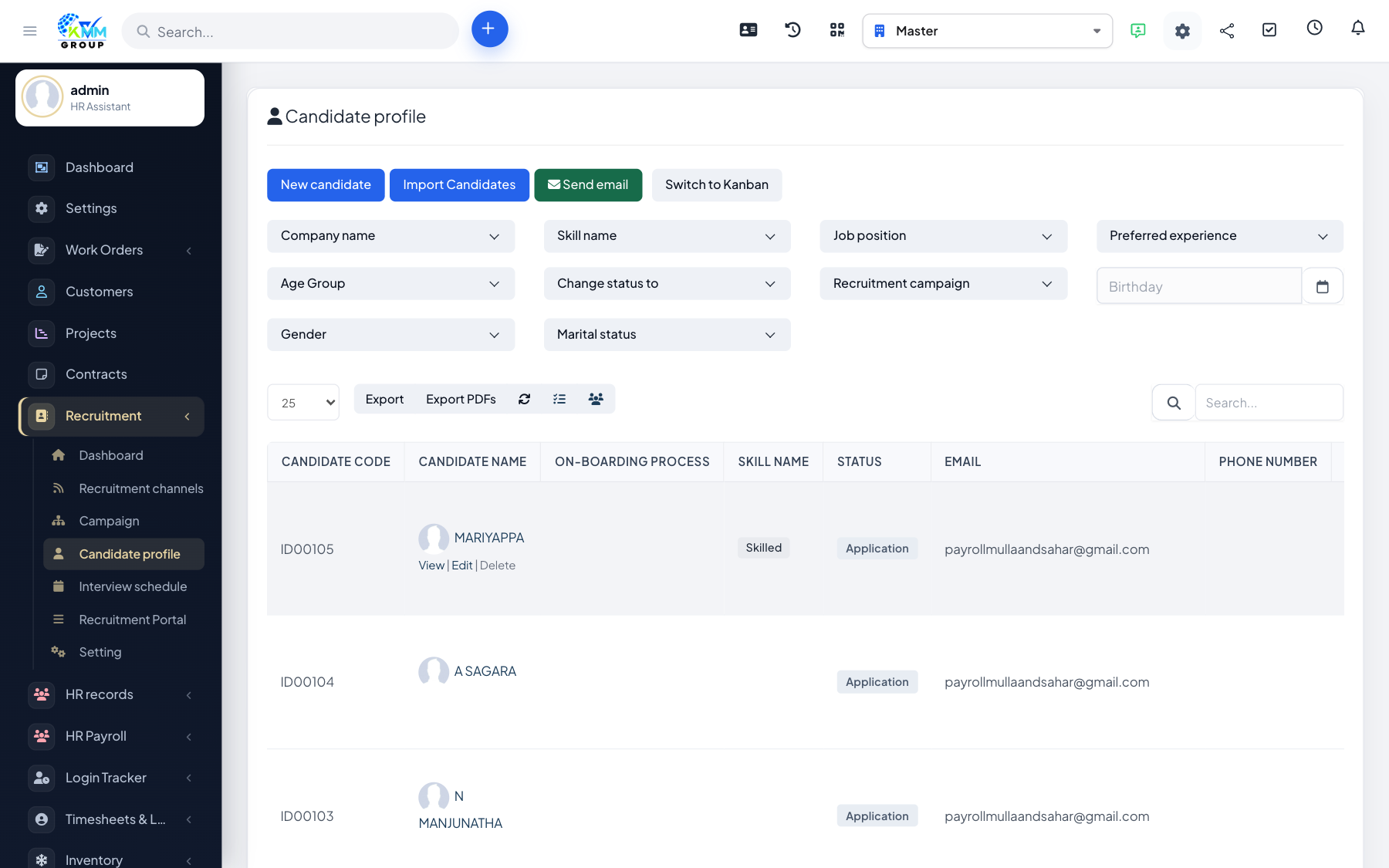
A candidate profile is the complete record of one applicant: their personal details, CV, photo, skills, notes, activity, ratings and interview history. It is where your team collaborates on whether to progress or reject someone.
Steps
- Go to Recruitment > Candidate Profile (
/admin/recruitment/candidate_profile) and click New Candidate. - Fill in personal details, the position/campaign applied to and skills, then upload the CV and a photo.
- Open a candidate to add notes, log activity and give a rating.
- Change the candidate's pipeline status as they progress (e.g. shortlisted, interviewed, hired).
- Export a profile to PDF for sharing, or email the candidate directly from the profile.
Tips
- Use notes for private team comments and the rating for a quick at-a-glance score.
- Status changes can trigger an email to the candidate — see the email templates article.