Overview
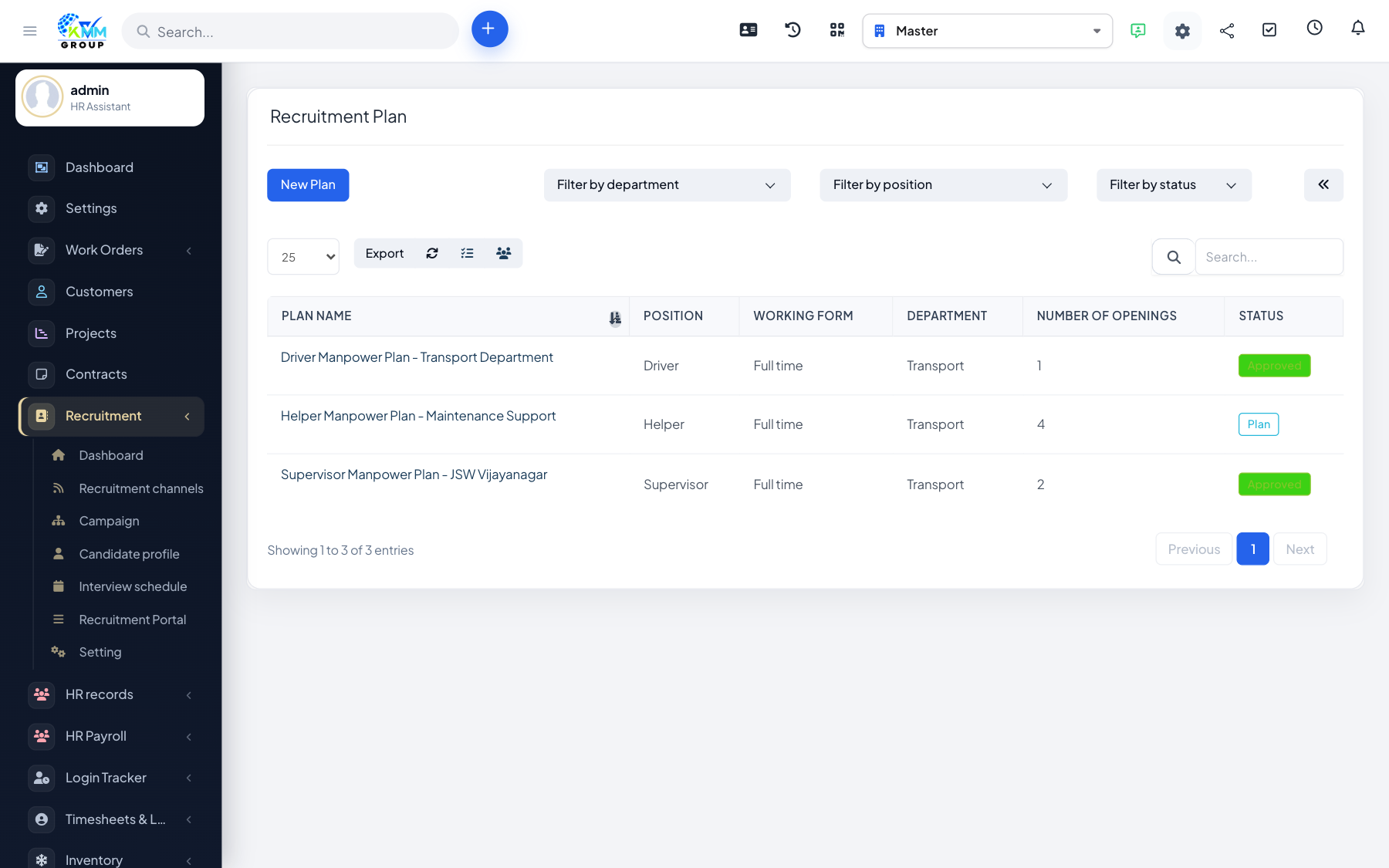
A recruitment plan (proposal) is a hiring request that can be reviewed and approved before any job goes live. It is useful when headcount needs sign-off from a manager or finance first. This item appears when plan-based campaigns are enabled in Settings.
Steps
- Go to Recruitment > Proposal (
/admin/recruitment/recruitment_proposal). - Click New and fill in the position, number of openings, budget and a description of the need.
- Attach any supporting files (e.g. a business case) and submit the plan for review.
- An approver approves or rejects the plan; the requester is notified of the outcome.
- Once approved, create a campaign directly from the plan so nothing is re-typed.
Tips
- If you do not need an approval step, you can skip plans and create campaigns directly.