Overview
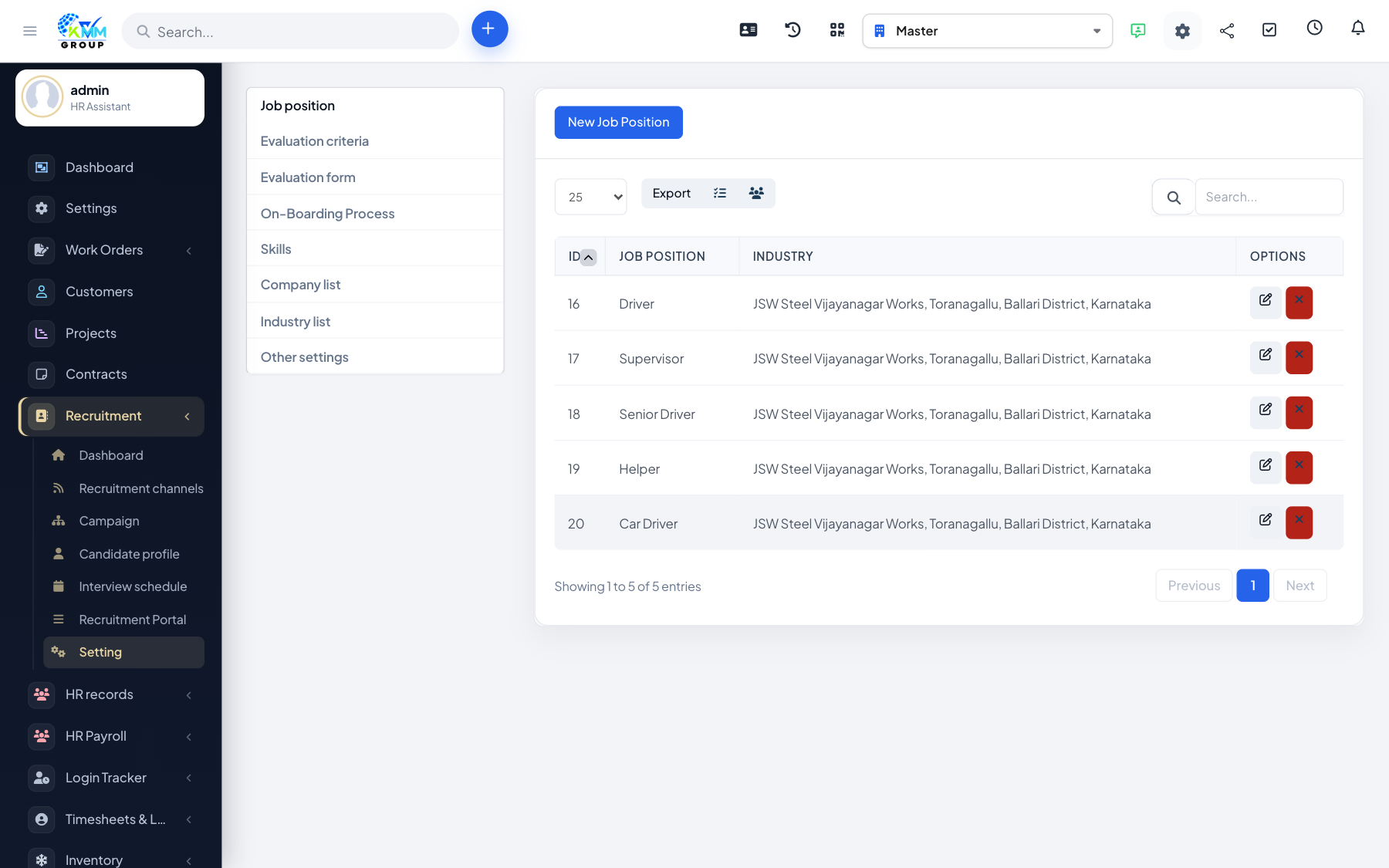
Evaluation forms let every interviewer score candidates against the same yardstick, so hiring decisions are fair and easy to compare. A form is simply a group of criteria (things you want to rate), and you attach it to interviews.
Steps
- Open Recruitment > Settings > Evaluation Criteria and add the individual things you want to score (e.g. Communication, Technical Skill, Culture Fit).
- Open Evaluation Form, create a form, and attach the relevant criteria to it.
- Assign the form when scheduling or reviewing an interview, so the interviewer rates the candidate against each criterion.
- After the interview, the scores are saved on the candidate profile.
- Compare candidates side by side using their aggregated scores.
Tips
- Keep criteria specific and observable so different interviewers score them the same way.
- Reuse one standard form across similar roles for consistent shortlisting.