Overview
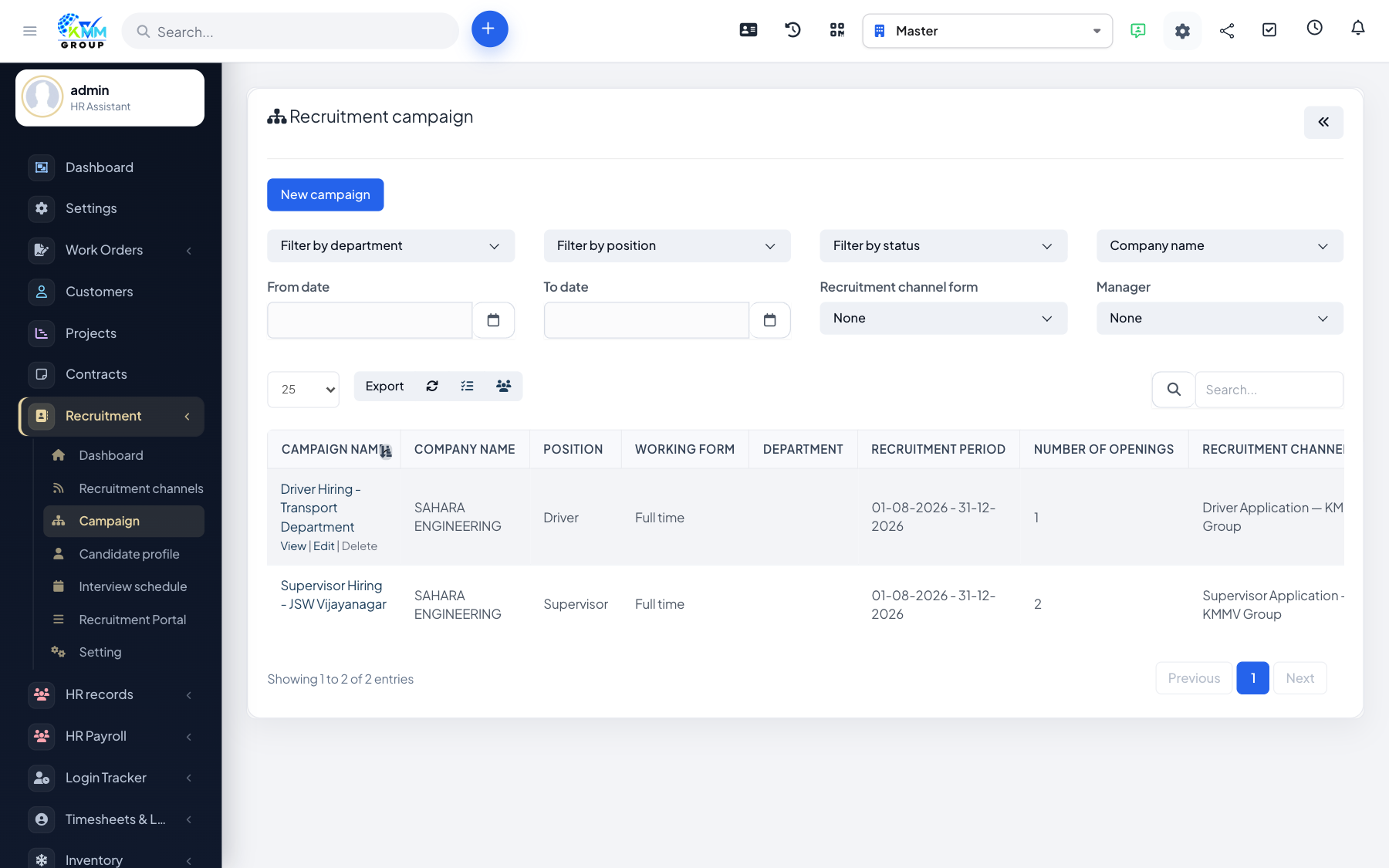
A campaign is a single job opening. It holds the vacancy details and becomes the bucket that collects every candidate for that role, whether they are added by hand, come through a channel form, or apply on the portal.
Steps
- Go to Recruitment > Campaign (
/admin/recruitment/recruitment_campaign) and click New Campaign. - Enter the campaign code, job position, number of openings, description and opening/closing dates.
- Attach files such as the job description if needed, then save.
- The campaign now accepts candidates from manual entry, channels/forms and the portal.
- Use the campaign status to open or close the opening, and edit or delete it from the campaign list.
Tips
- Set a clear closing date so the campaign stops collecting applicants automatically.
- Link the campaign to the correct position so candidates are grouped and reported properly.