Overview
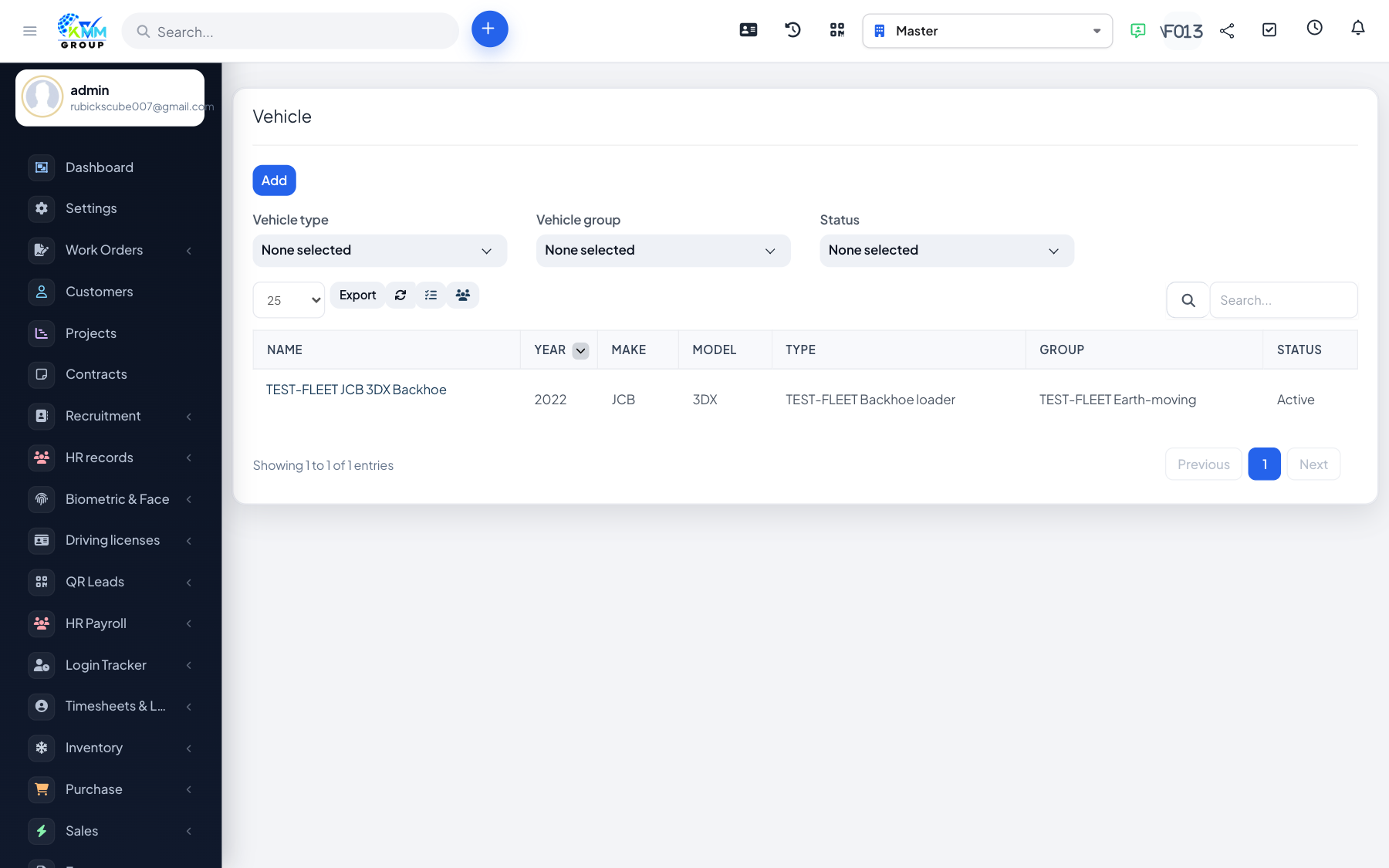
The vehicle record is the heart of the module. Each vehicle stores its identity, group/type, odometer, documents, assignment history and renewal reminders, and links to all of its fuel, maintenance, insurance and inspection records.
Steps
- Go to Fleet > Vehicle (
/admin/fleet/vehicles) and click New Vehicle. - Enter identity details (name/registration, group, type, make/model, year) and the current odometer/meter reading.
- Open a vehicle's detail page to see its full history, costs and linked records.
- Upload vehicle documents (registration, permits) and set renewal reminders for expiring documents.
- Review the vehicle history (status changes, group changes, assignments) from the detail view.
Tips
- Keep the odometer current — fuel efficiency and cost-per-distance reports depend on it.
- Renewal reminders surface in reports so documents never lapse unnoticed.