Overview
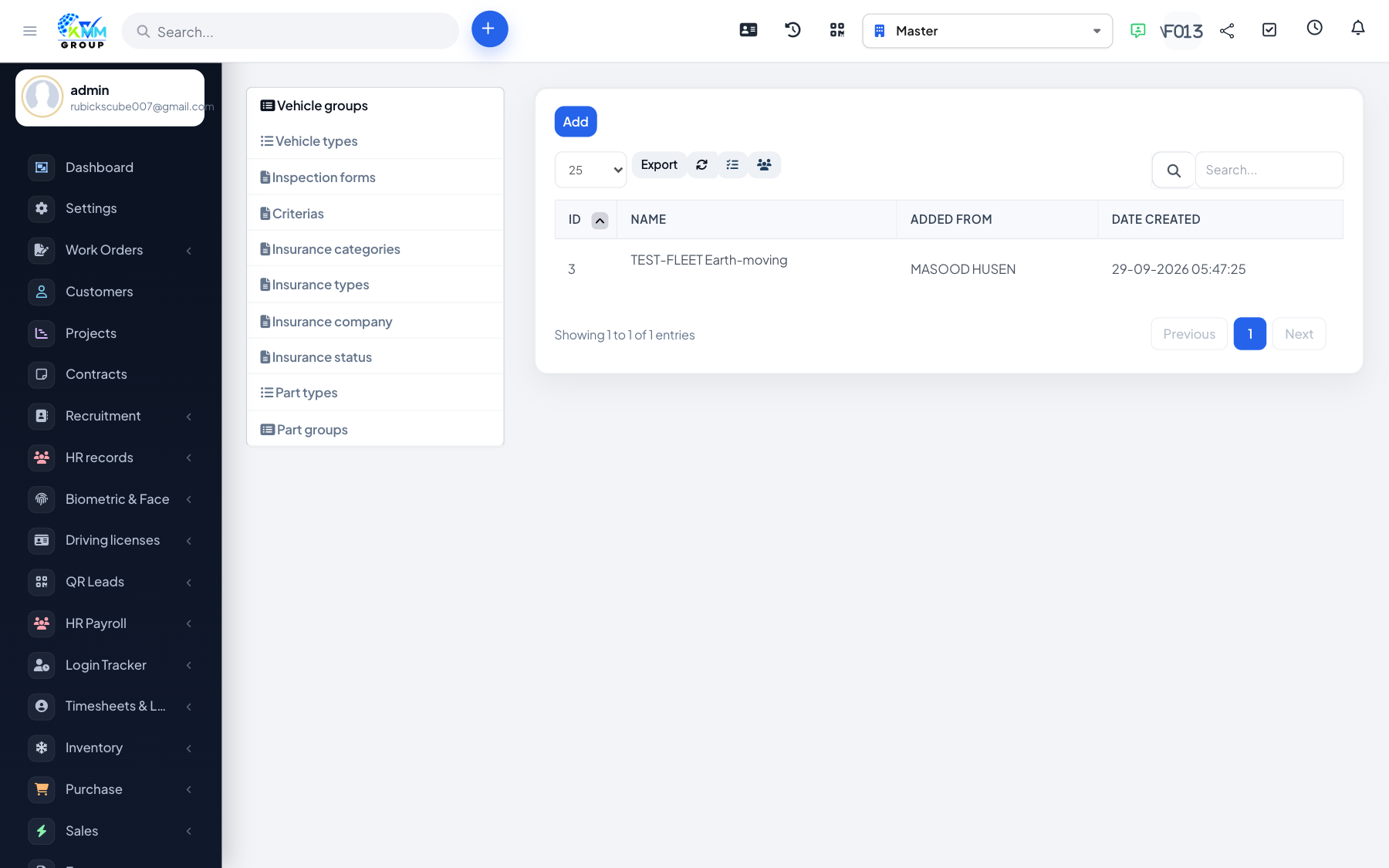
Fleet Settings hold the master data that every other screen reuses. Setting these up first keeps vehicles, parts, insurance and inspections consistent and makes reporting meaningful.
Steps
- Go to Fleet > Settings (
/admin/fleet/settings?group=vehicle_groups). - Vehicle Groups and Vehicle Types: classify your fleet (e.g. group = Trucks, type = 3-ton) for filtering and reporting.
- Part Groups and Part Types: categorise spare parts for the parts inventory.
- Insurance master data: define insurance companies, categories, types and statuses.
- Criteria: define the scoring criteria used for driver benefit and penalty assessments.
- Inspection Forms: build reusable checklist forms (covered in the inspections article).
Tips
- Complete groups/types before adding vehicles so you can assign them immediately.
- This master data drives the dropdowns and grouping in reports across the whole module.