Overview
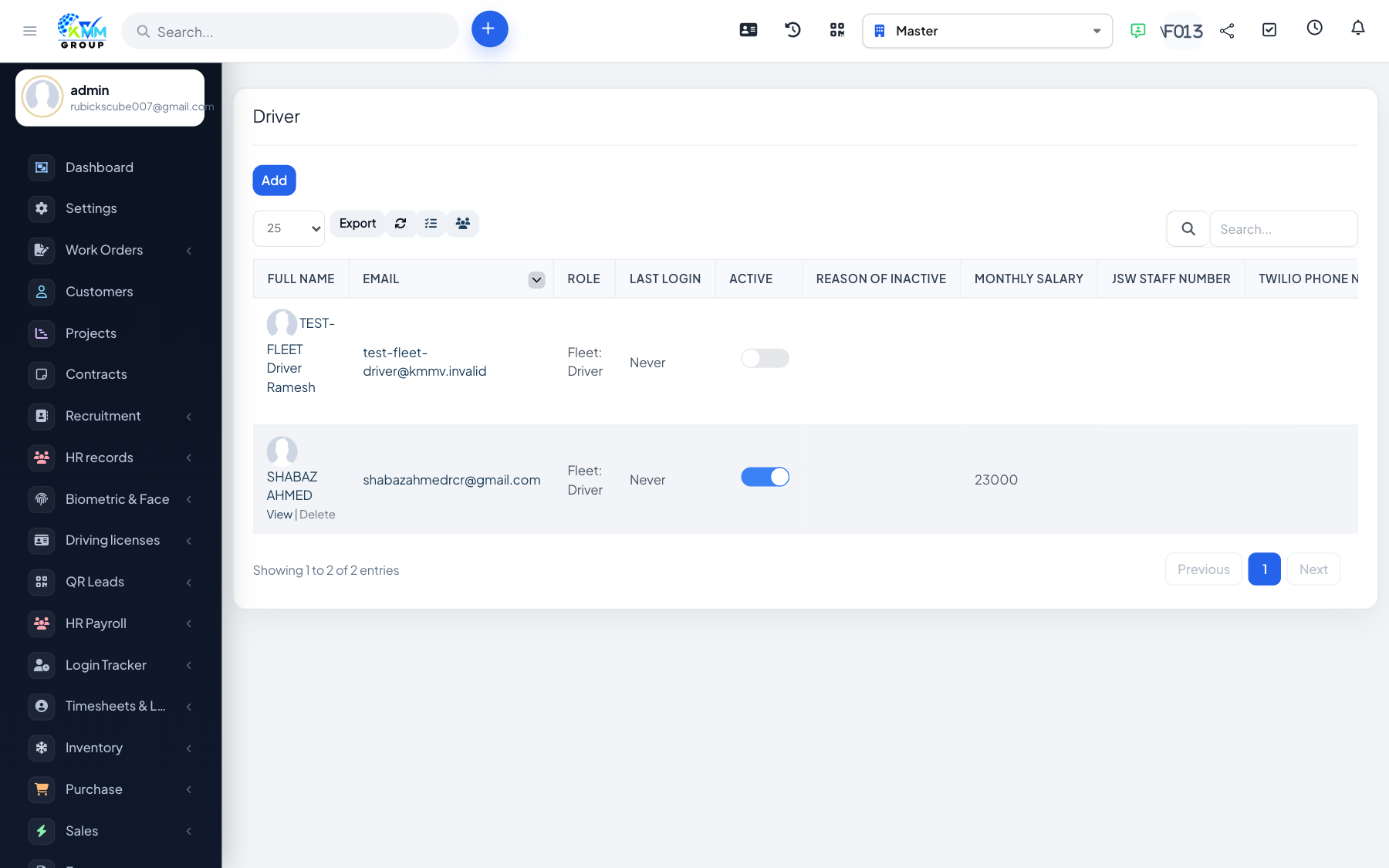
Vehicle assignments record which driver is responsible for which vehicle and for what period, building a clear accountability trail.
Steps
- From a vehicle or driver record, create a vehicle assignment.
- Select the driver, the vehicle and the assignment period.
- The assignment appears in the vehicle history and in the assignment reports.
- End or delete an assignment when the driver changes.
Tips
- Use the assignment log and summary reports to see who had which vehicle and when — useful for fines and incidents.