Overview
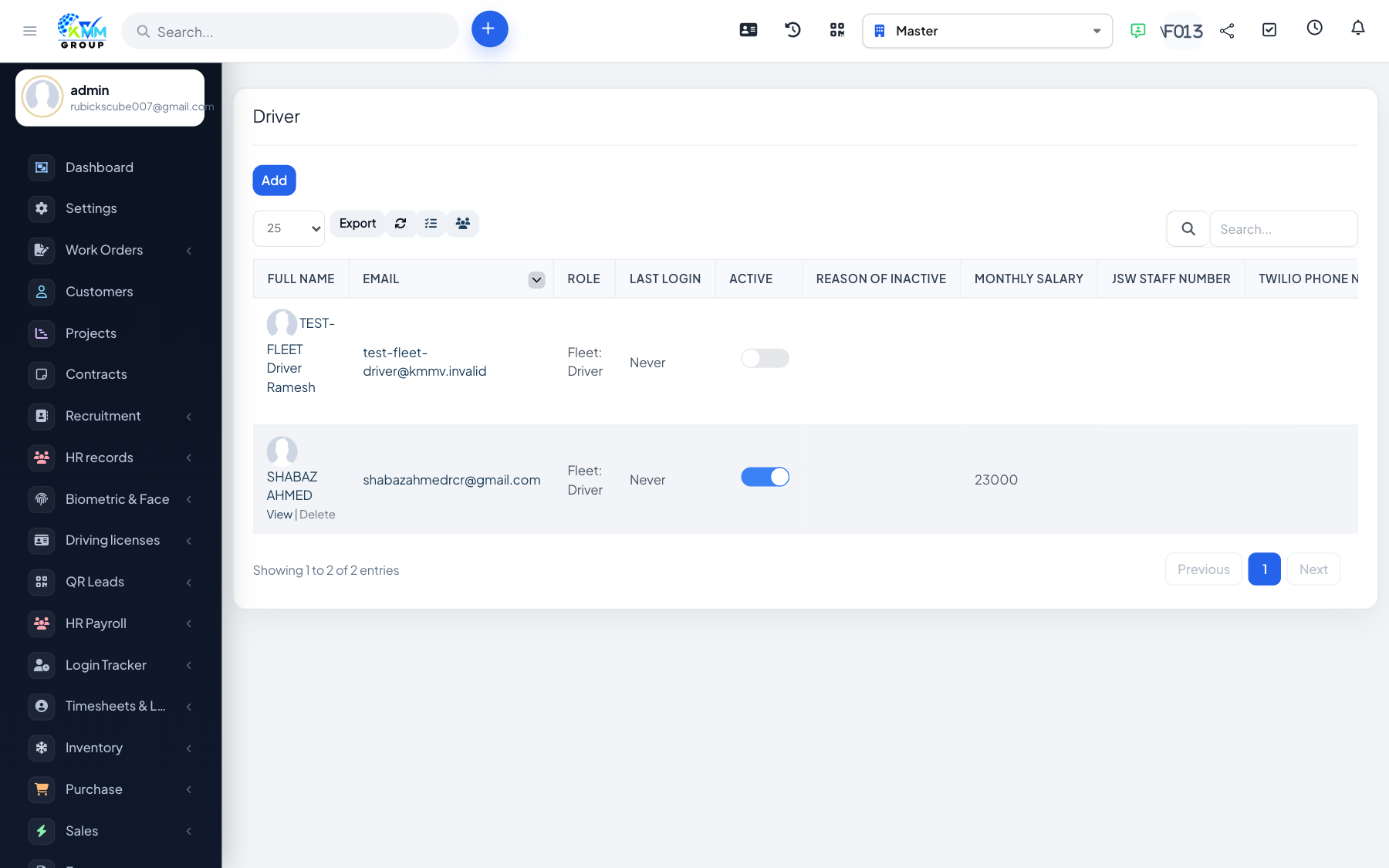
Driver records store each driver's profile, licence and other documents, and link to their assignments, work performance and benefit/penalty history.
Steps
- Go to Fleet > Driver (
/admin/fleet/drivers) and add a driver. - Open the driver's detail page to view assignments, performance and records.
- Add driver documents (licence, ID) with expiry dates and file attachments.
- Keep documents current; expiring licences can be tracked and renewed in good time.
Tips
- Attach scans of each document so they are available for audits or roadside checks.