Overview
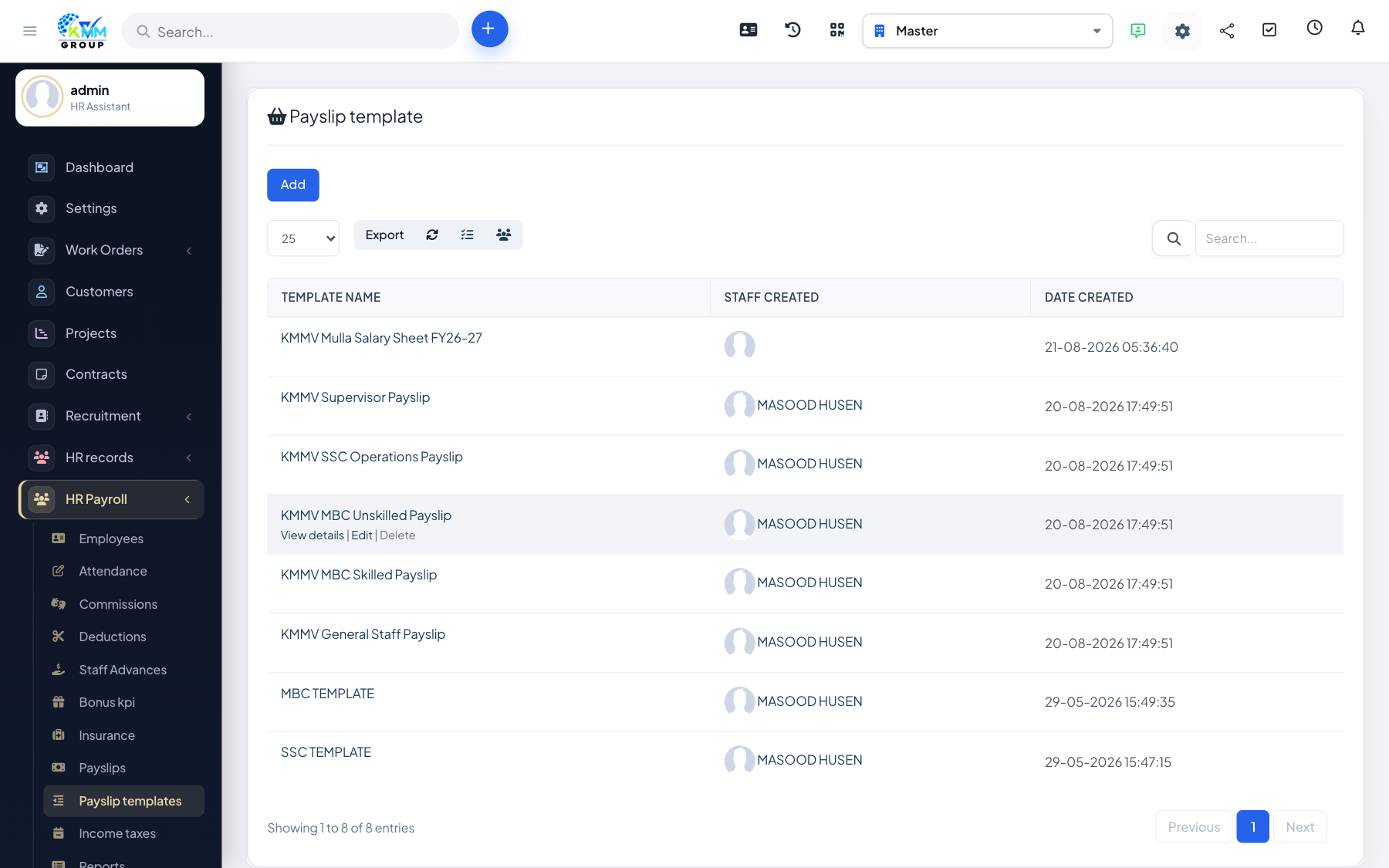
A payslip template decides which earnings, deductions and calculated values appear on a payslip and how they are laid out. Payroll columns are the building blocks, each with a calculation method.
Steps
- Go to HR Payroll > Pay Slip Templates (
/admin/hr_payroll/payslip_templates_manage). - Add payroll columns, choosing a method/function for each calculated value (e.g. gross, net, tax).
- Assemble the columns into a template.
- Set a matching PDF payslip template for the printable version.
- Preview the template before using it for a real payroll run.
Tips
- Build one template carefully and reuse it every month for consistent payslips.