Overview
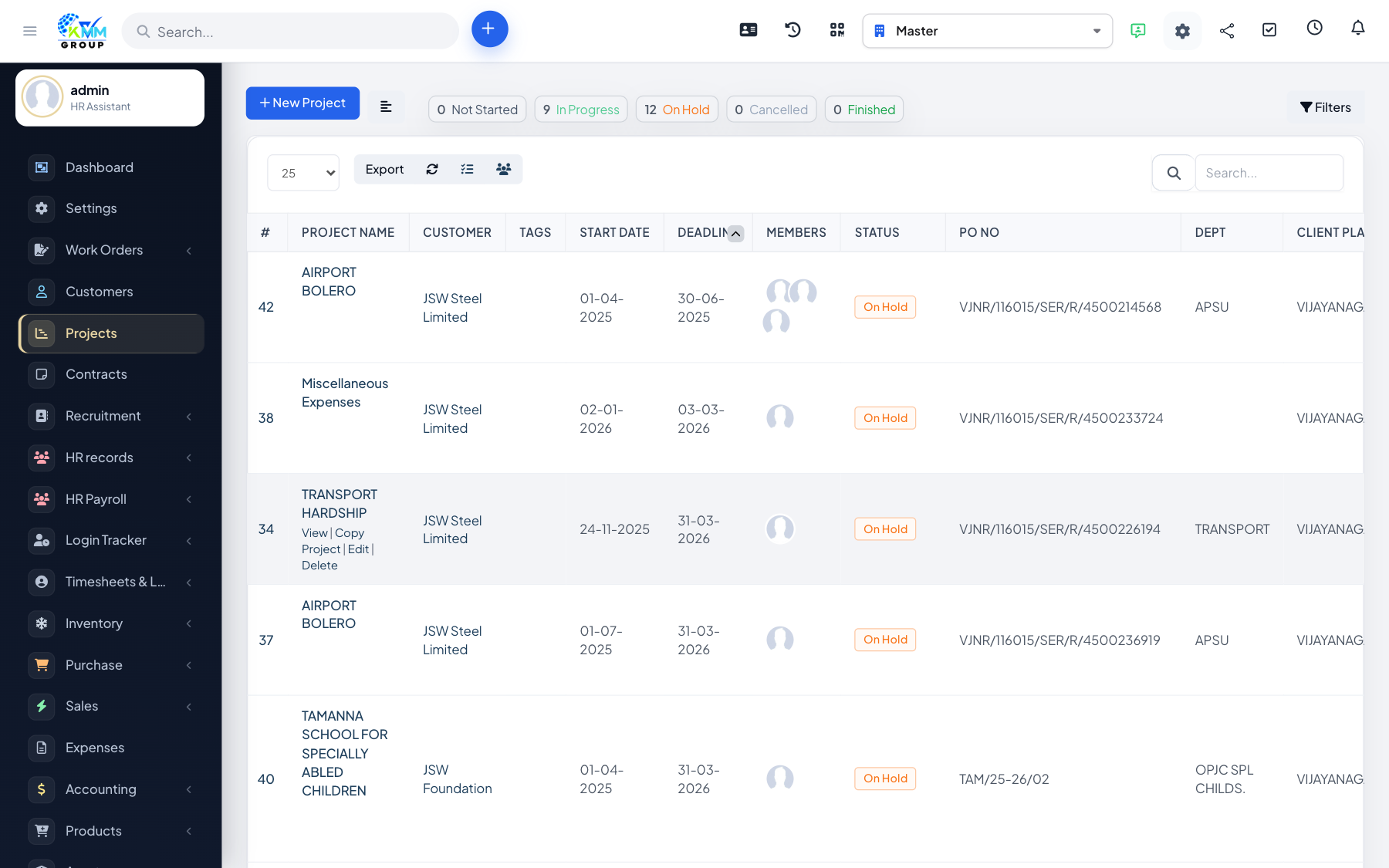
You can reuse, archive or remove projects. Copying is great for repeatable work, exporting gives you a record, and deleting removes a project you no longer need.
Steps
- Copy a project to reuse its tasks, milestones and settings for similar work.
- Export project data for records or reporting.
- Delete a project when it is no longer needed — note this removes its data.
Tips
- Copying a well-structured template project is the fastest way to start similar jobs consistently.