Overview
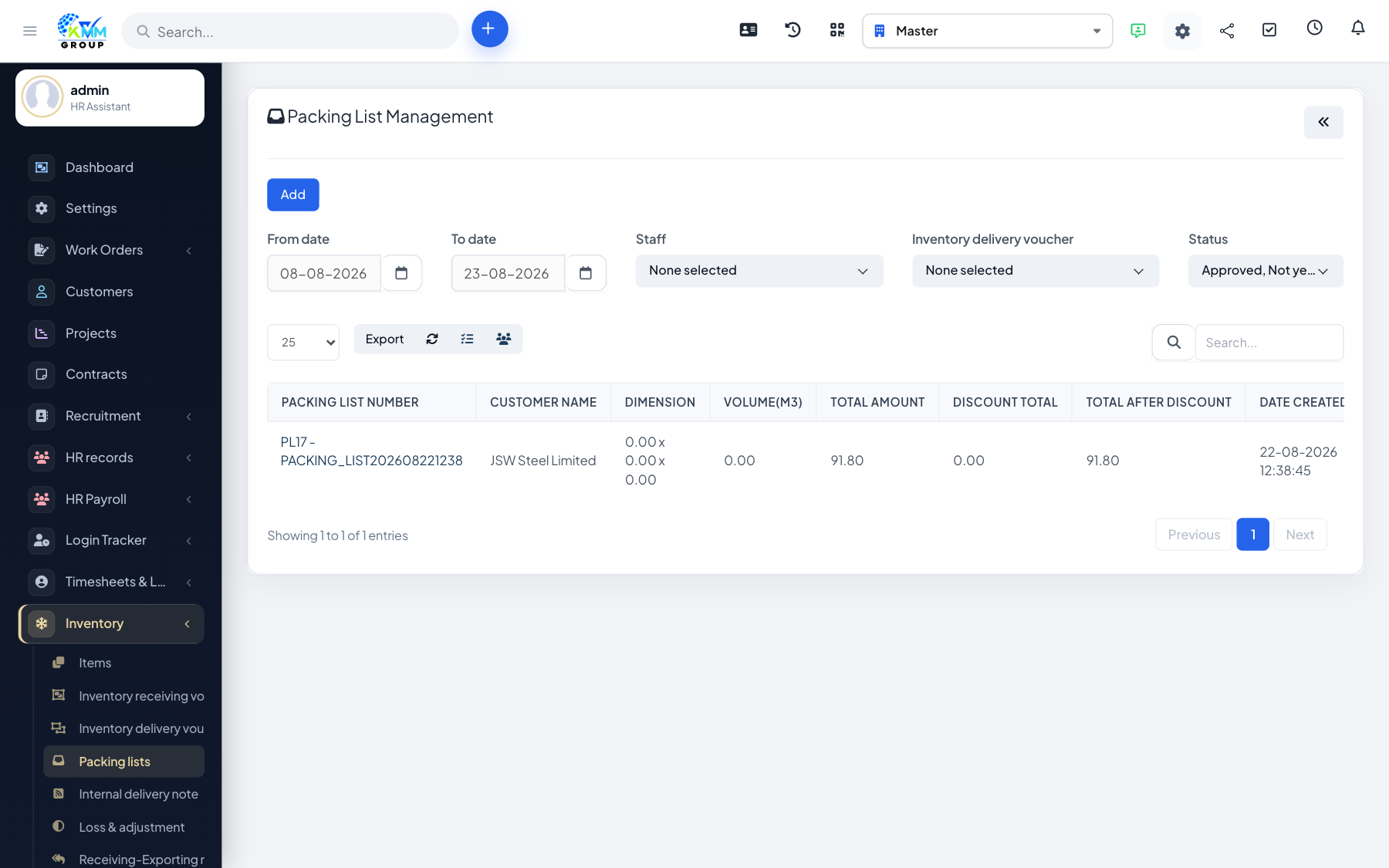
A packing list documents exactly which items and quantities were packed for a delivery or shipment — useful for the recipient to check off what they received.
Steps
- Go to Inventory > Packing Lists (
/admin/warehouse/manage_packing_list). - Create a packing list and add the items and quantities being shipped.
- Review it for accuracy against the actual packed goods.
- Print or share the packing list with the delivery.
Tips
- A clear packing list reduces disputes about what was and was not delivered.