Overview
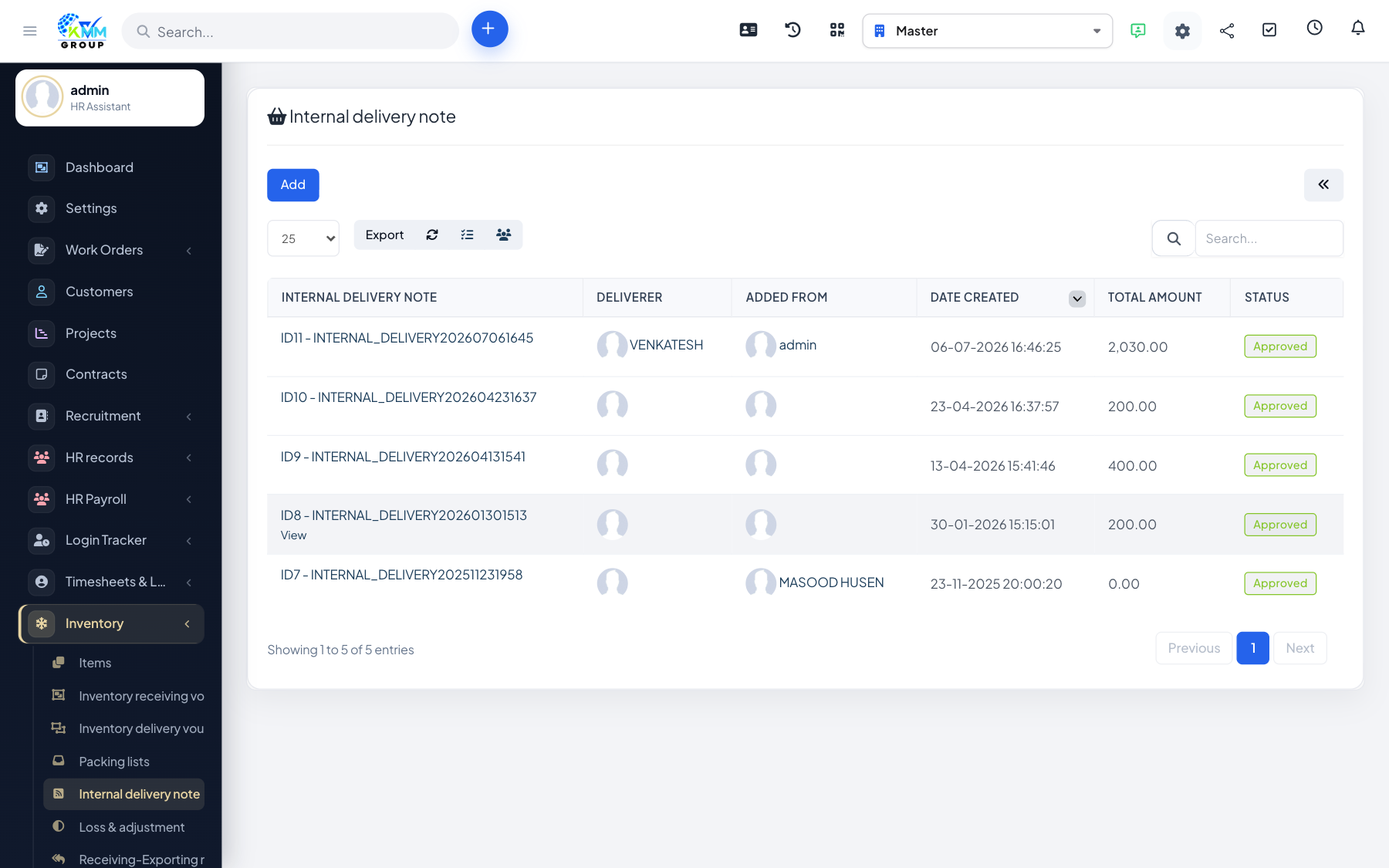
An internal delivery note moves stock between your own warehouses. It keeps both locations accurate by taking stock out of one and adding it to the other in a single, traceable step.
Steps
- Go to Inventory > Internal Delivery Note (
/admin/warehouse/manage_internal_delivery). - Choose the source and destination warehouses.
- Add the items and quantities to move.
- Confirm — stock is deducted from the source and added to the destination.
Tips
- Use transfers (not export + import) so the movement is recorded as one linked event in history.