Overview
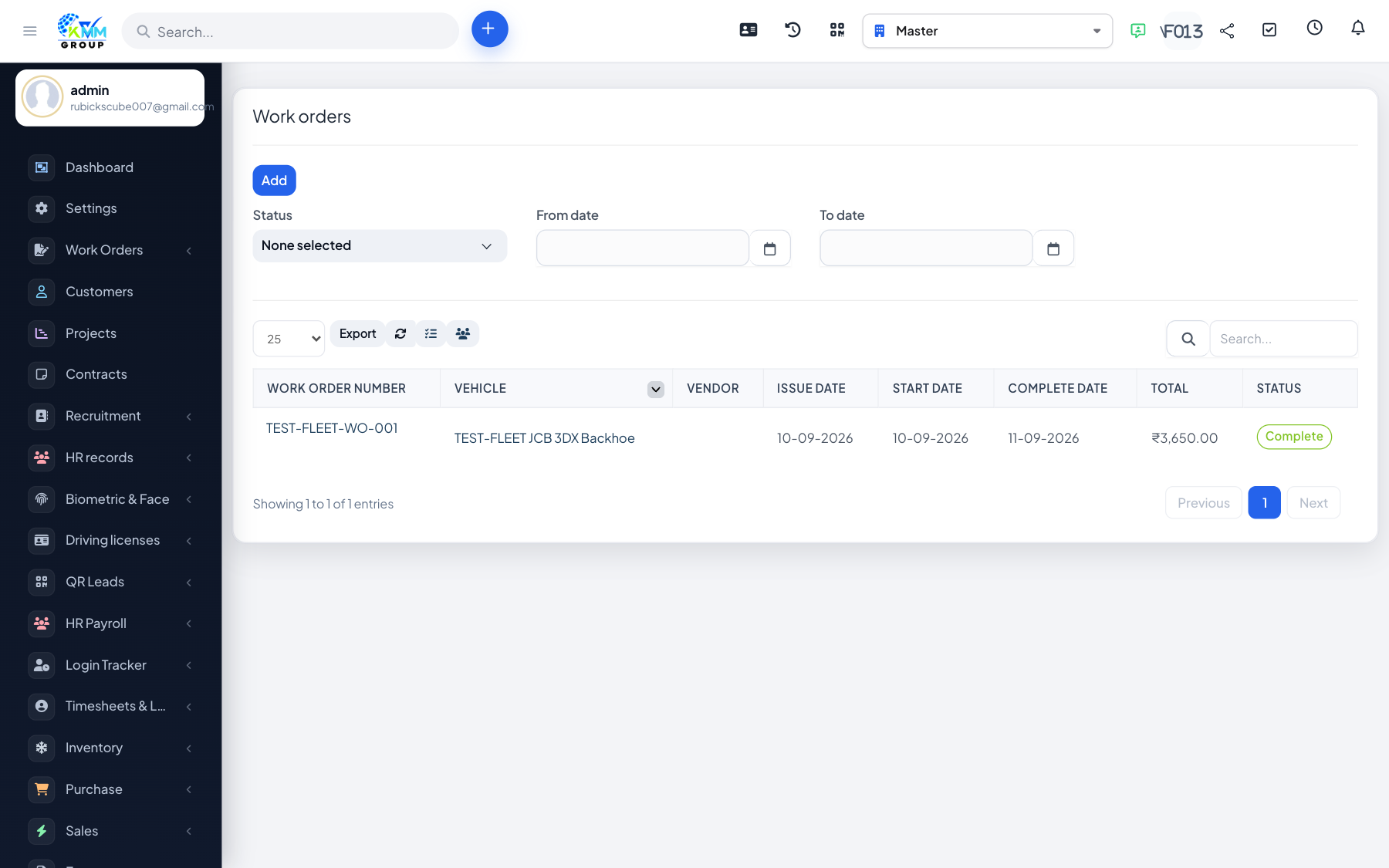
Work orders formalise a piece of work on a vehicle (repair or service), track its status, and can be converted into an expense.
Steps
- Go to Fleet > Work Orders (
/admin/fleet/work_orders) and create a work order. - Add the vehicle, description, items/labour and assign it.
- Move the work order through its status as work progresses.
- Use create expense to post its cost to accounting.