Overview
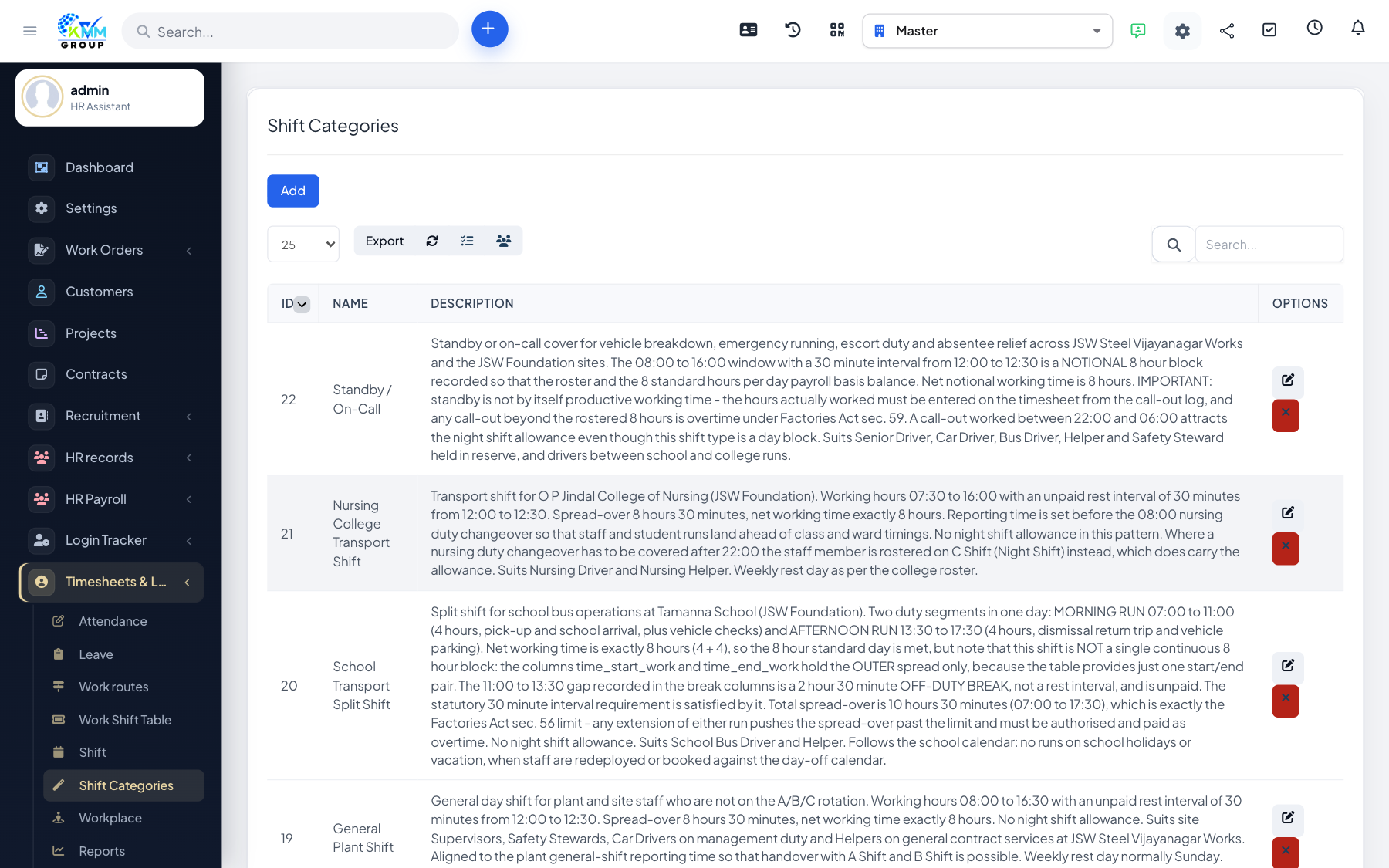
A shift type is a reusable working pattern — start time, end time and break — that you apply to staff when building schedules. Attendance is then measured against the assigned shift.
Steps
- Go to Timesheets & Leave > Shift Type (
/admin/timesheets/manage_shift_type). - Add a shift type with its working hours and rest/break time.
- Create as many types as you need (e.g. Morning, Evening, Night).
- Shift types then become available when building shift work schedules.
Tips
- Define every distinct working pattern once, then reuse them across all rosters.