Overview
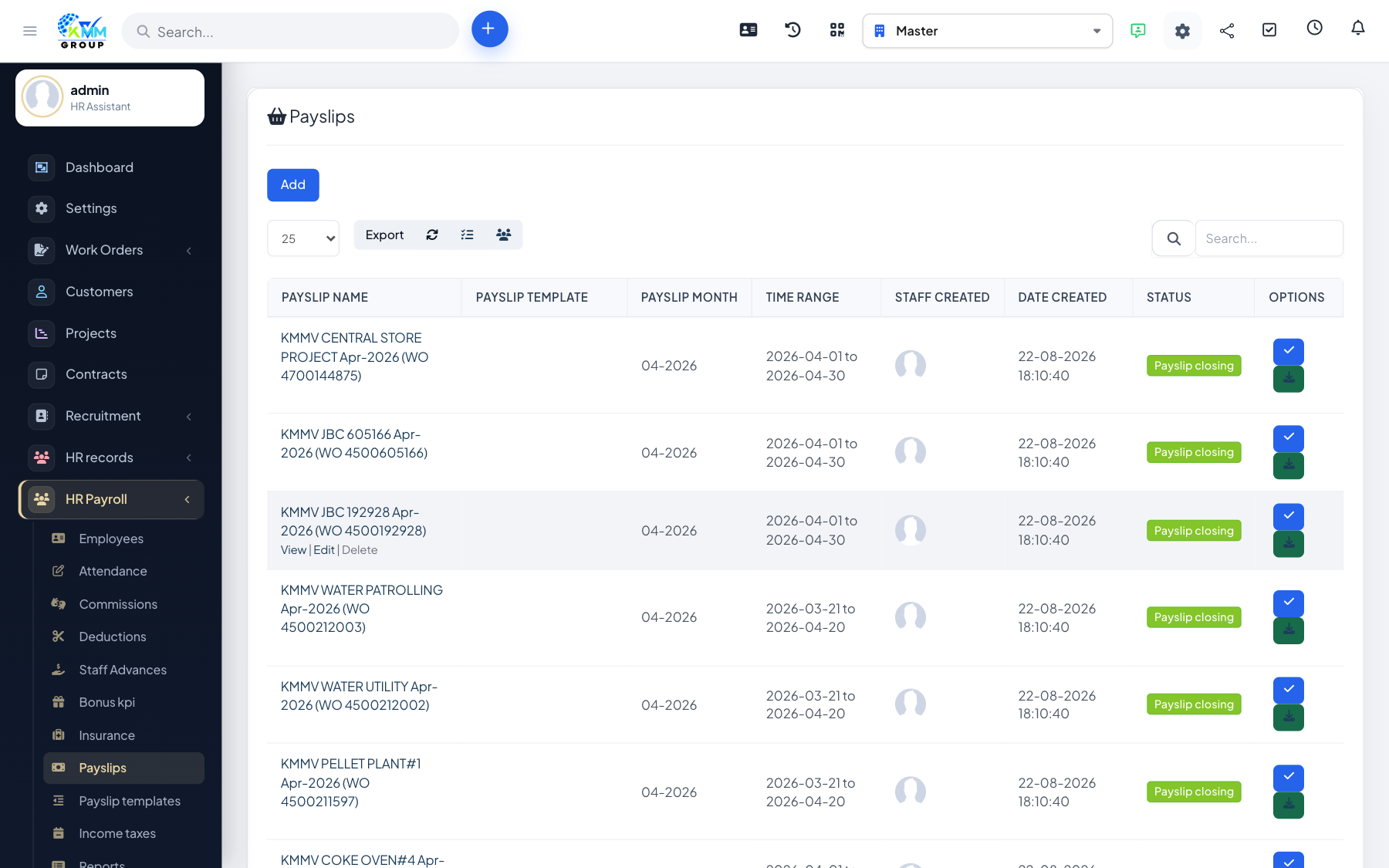
A payslip run calculates each employee's pay for a period from their salary, attendance and adjustments. Closing the run finalises it so figures are locked.
Steps
- Go to HR Payroll > Pay Slips (
/admin/hr_payroll/payslip_manage). - Generate payslips for the month using your chosen template.
- Review each payslip and update its status as you check it.
- Edit or delete an individual payslip before closing if a correction is needed.
- Close the payroll once everything is verified.
Tips
- Do your corrections before closing — closing is meant to lock the final numbers.