Overview
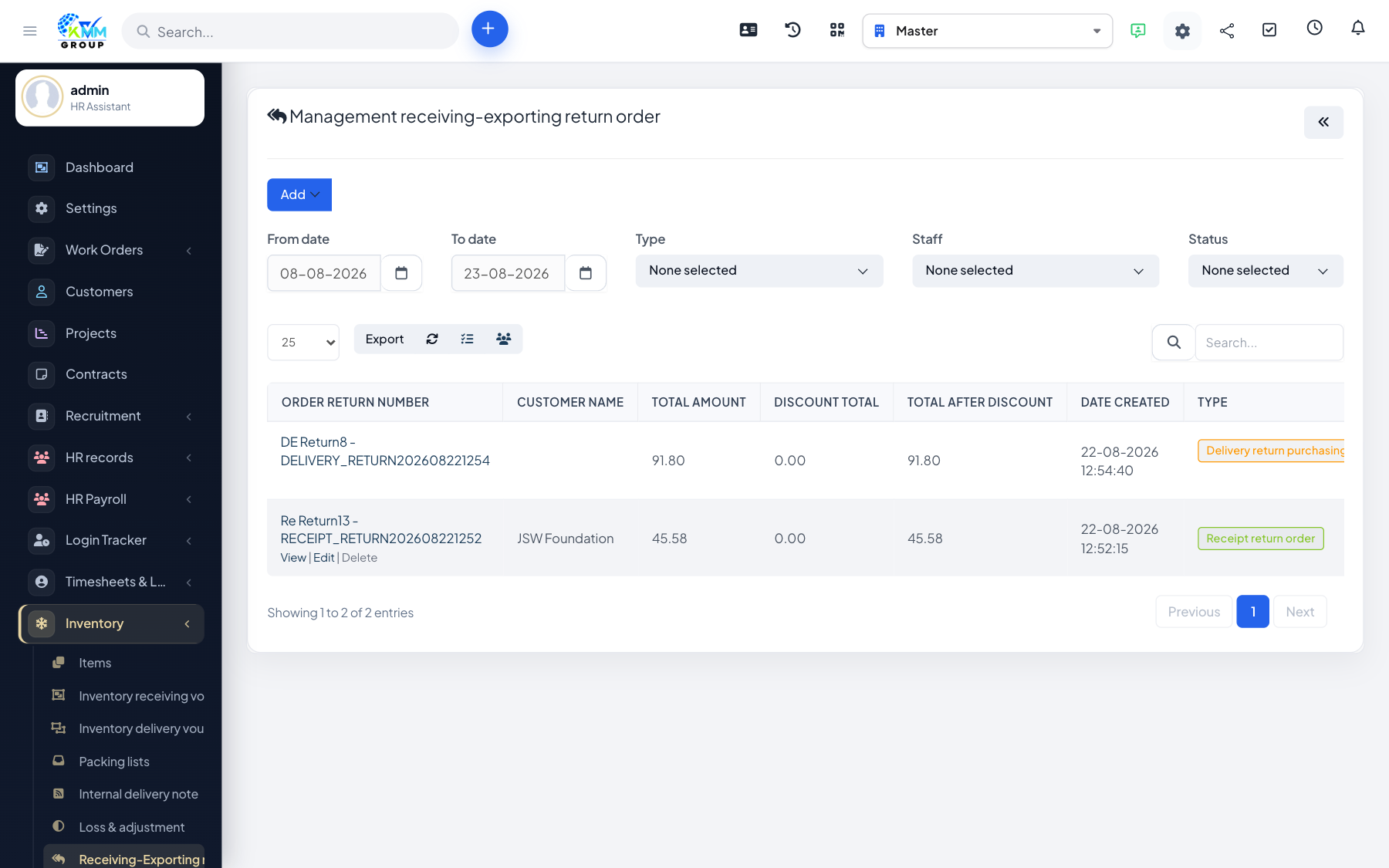
Return orders handle goods that come back in (a receipt return) or go back out (a delivery return), keeping stock accurate when a transaction is reversed.
Steps
- Go to Inventory > Returns (
/admin/warehouse/manage_order_return). - Create a return linked to the original receipt or delivery.
- Add the items being returned and their quantities.
- Confirm — stock is updated to reflect the return.
Tips
- Linking to the original document keeps a clean audit trail of what was returned and why.