Overview
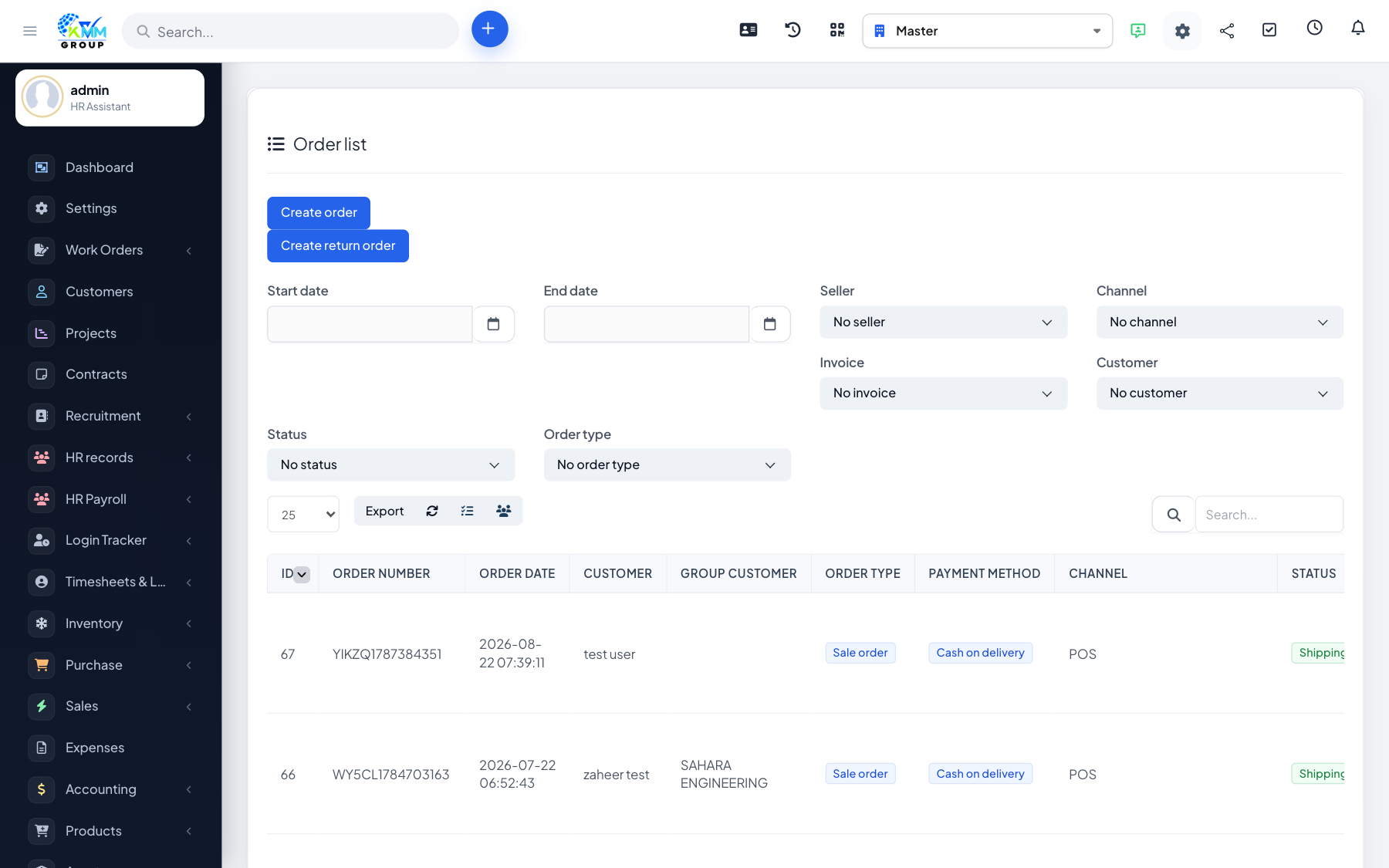
Returns bring sold goods back into stock, and refunds return money to the customer. Handling them here keeps both your stock and your accounts correct.
Steps
- Open the order and start a return, selecting the items being returned.
- Confirm the return to import the stock back into the warehouse and update the invoice.
- Record a refund against the order for the returned value.
- Check that the stock and invoice now reflect the return.
Tips
- Process the return before the refund so stock and money stay in step.