Overview
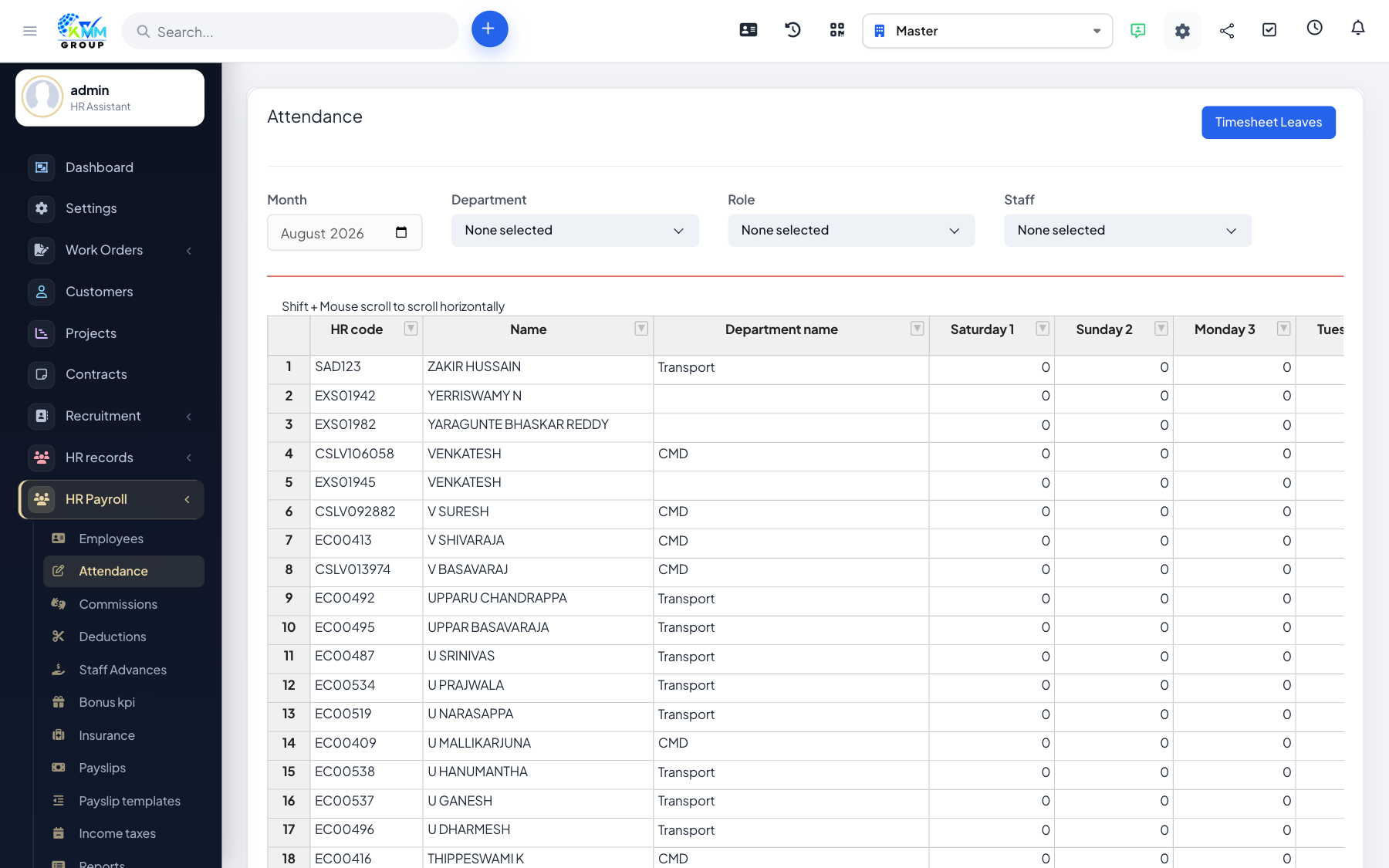
If you use biometric devices or a separate attendance system, you can import the data instead of entering it by hand.
Steps
- On Manage Attendance, choose Import.
- Download the sample template (including the SV1 attendance format) and map your columns to it.
- Upload the file; rows are validated and imported for the selected month.
- Re-run the attendance calculation after import so payslips use the new data.
Tips
- Match your device export columns to the template once, then reuse it every month.