Overview
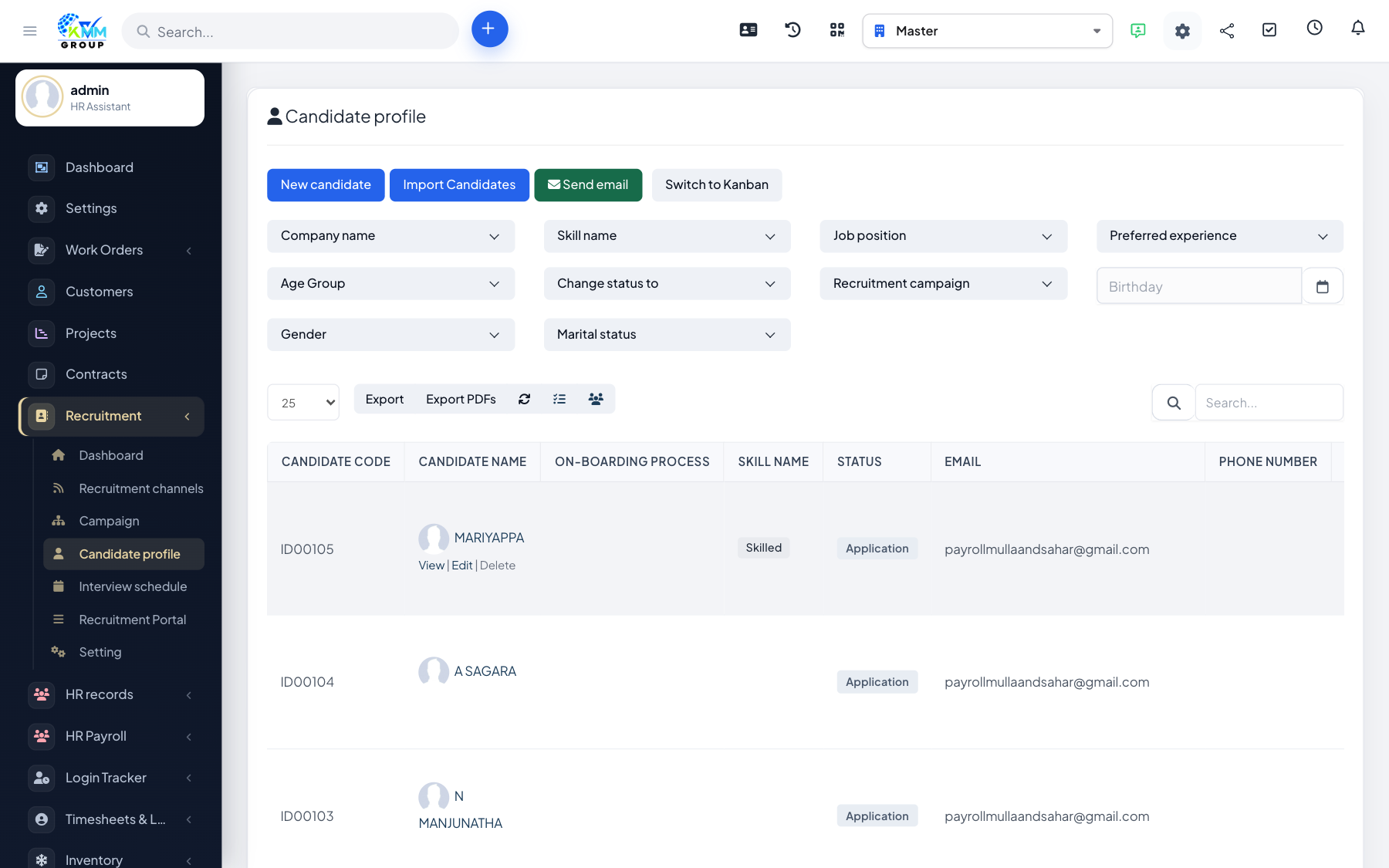
When you have a spreadsheet of applicants (for example from a job fair or an external job board), importing saves you typing each one in by hand.
Steps
- On Candidate Profile, choose Import.
- Download the sample XLSX so your columns match exactly what the system expects.
- Fill in your candidate rows following the sample, then upload the file.
- The system validates each row and lists any errors (e.g. a missing email) so you can fix them.
- Correct any flagged rows and re-upload; valid rows are created as candidate profiles automatically.
Tips
- Keep dates and email formats consistent to avoid validation errors.
- Import a small test batch first to confirm your columns line up.