Overview
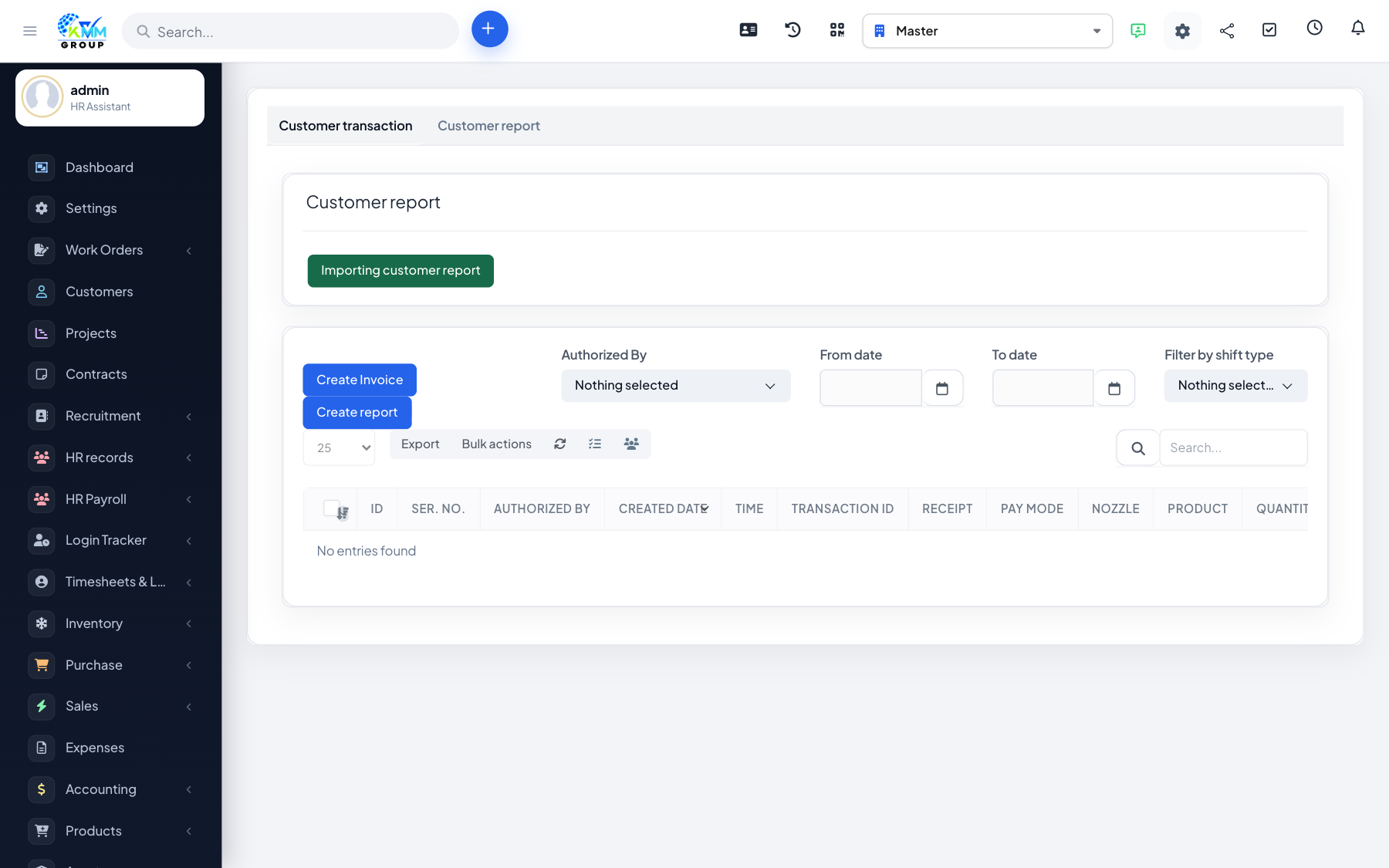
Customer reports let you bring in external sales or transaction data (for example from another system) and turn it into invoices in bulk.
Steps
- Go to Omni Sales > Customer Report (
/admin/omni_sales/manage_customer_report). - Import the CSV of customer transactions.
- Review the imported rows for accuracy.
- Create invoices from the reviewed rows in bulk.
Tips
- Clean the CSV (consistent dates, amounts, customer names) before importing.