Overview
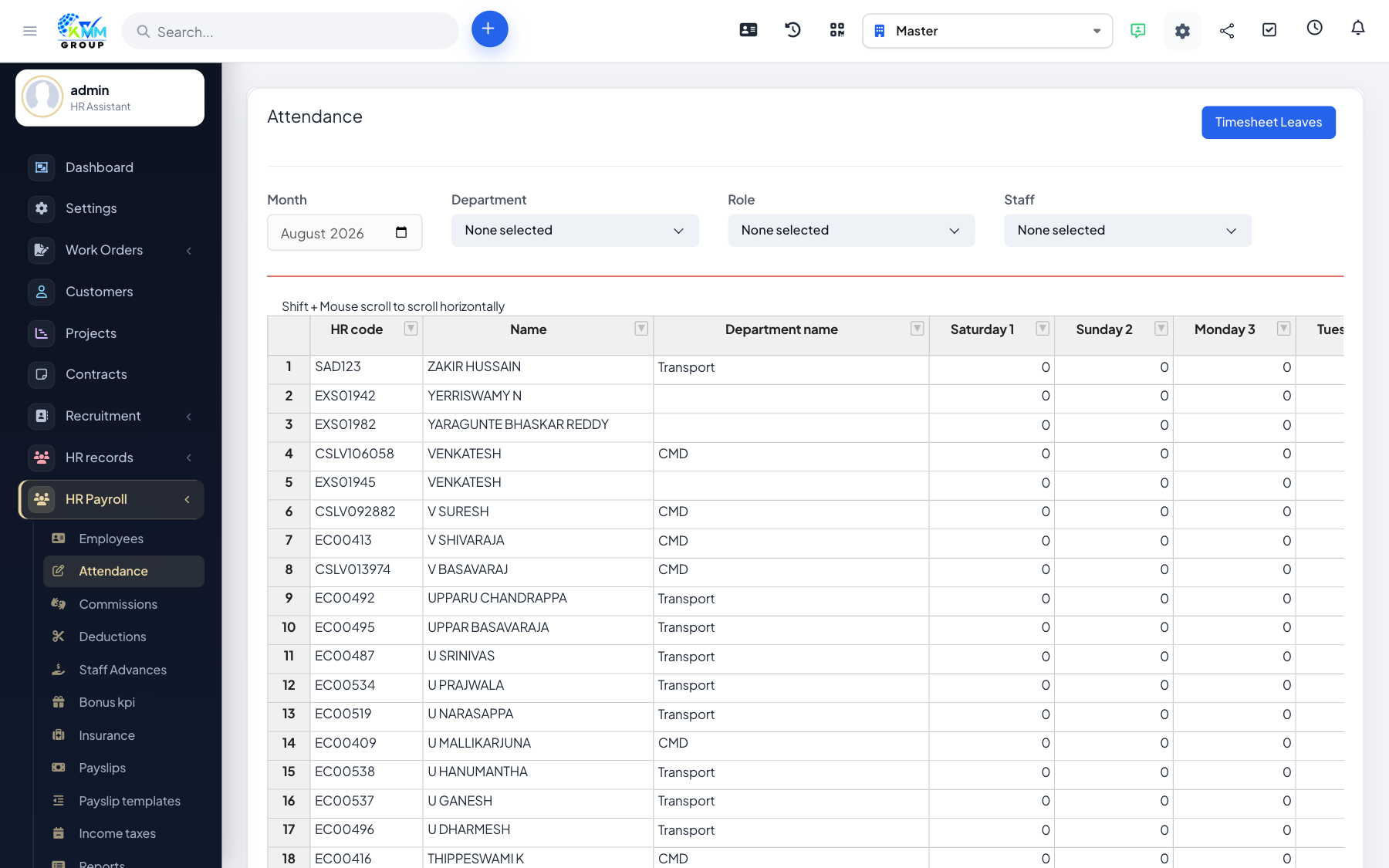
Rather than entering attendance twice, payroll can pull working hours and leave straight from the CRM Timesheets module, keeping HR and payroll in sync.
Steps
- Open Settings > Data Integration and choose the timesheet integration type.
- Use Attendance / Timesheet & Leaves to review the imported working hours and leave for the month.
- Run the timesheet-leave calculation so payslips use these figures.
- Spot-check a few employees to confirm the pulled data matches expectations.
Tips
- Integration removes double entry and reduces payroll errors.