Overview
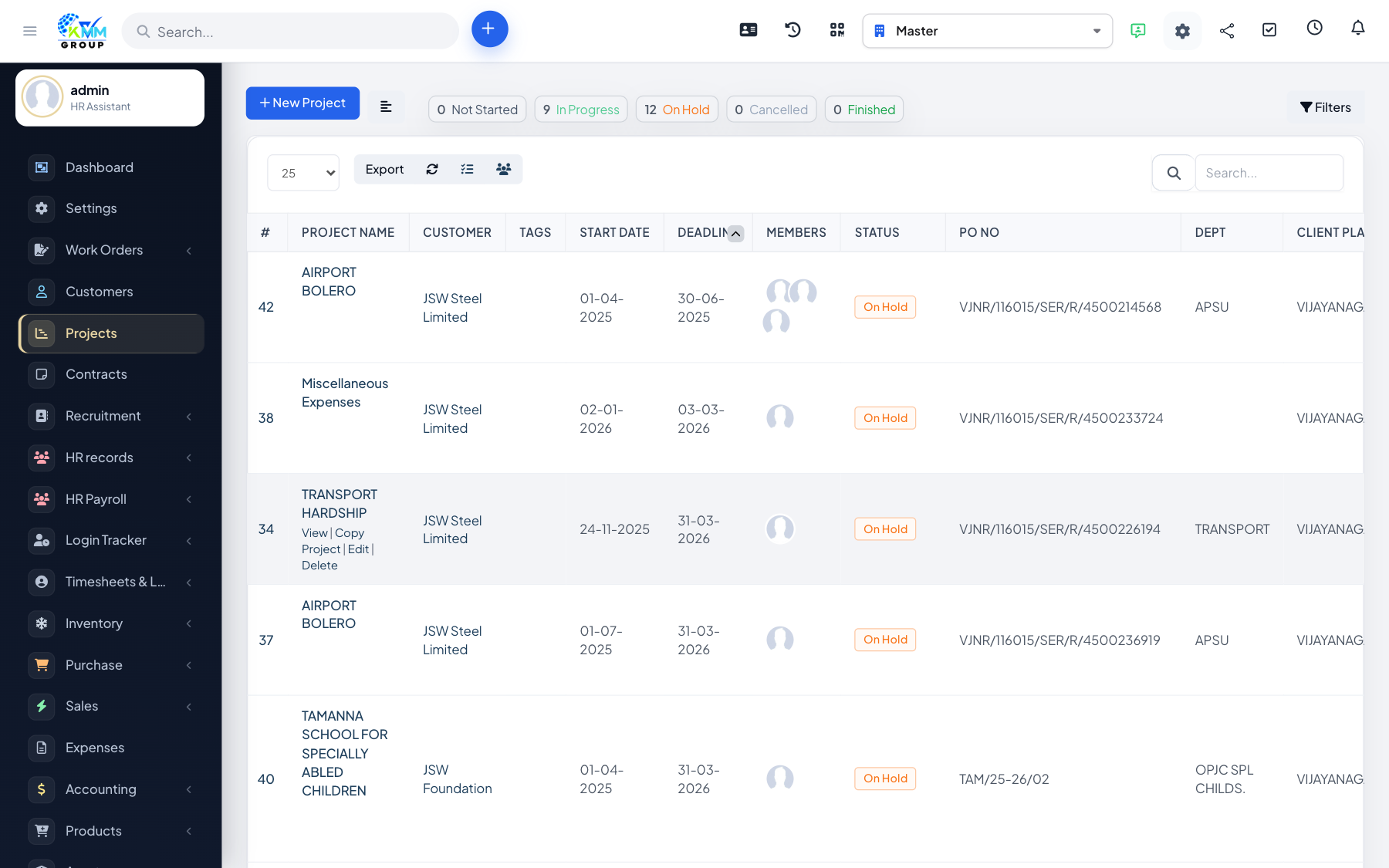
Billing a project turns the work you have done into an invoice. Depending on the billing type, you can bill from logged time, from expenses, or as a fixed amount / by milestone.
Steps
- Open the project and choose Invoice Project.
- Select what to bill: billable time, expenses, or a fixed amount/milestones.
- Review the pre-filled invoice the system prepares.
- Create the invoice; the billed items are marked as invoiced so they are not billed again.
Tips
- Make sure all billable time and expenses are logged before invoicing so nothing is missed.