Overview
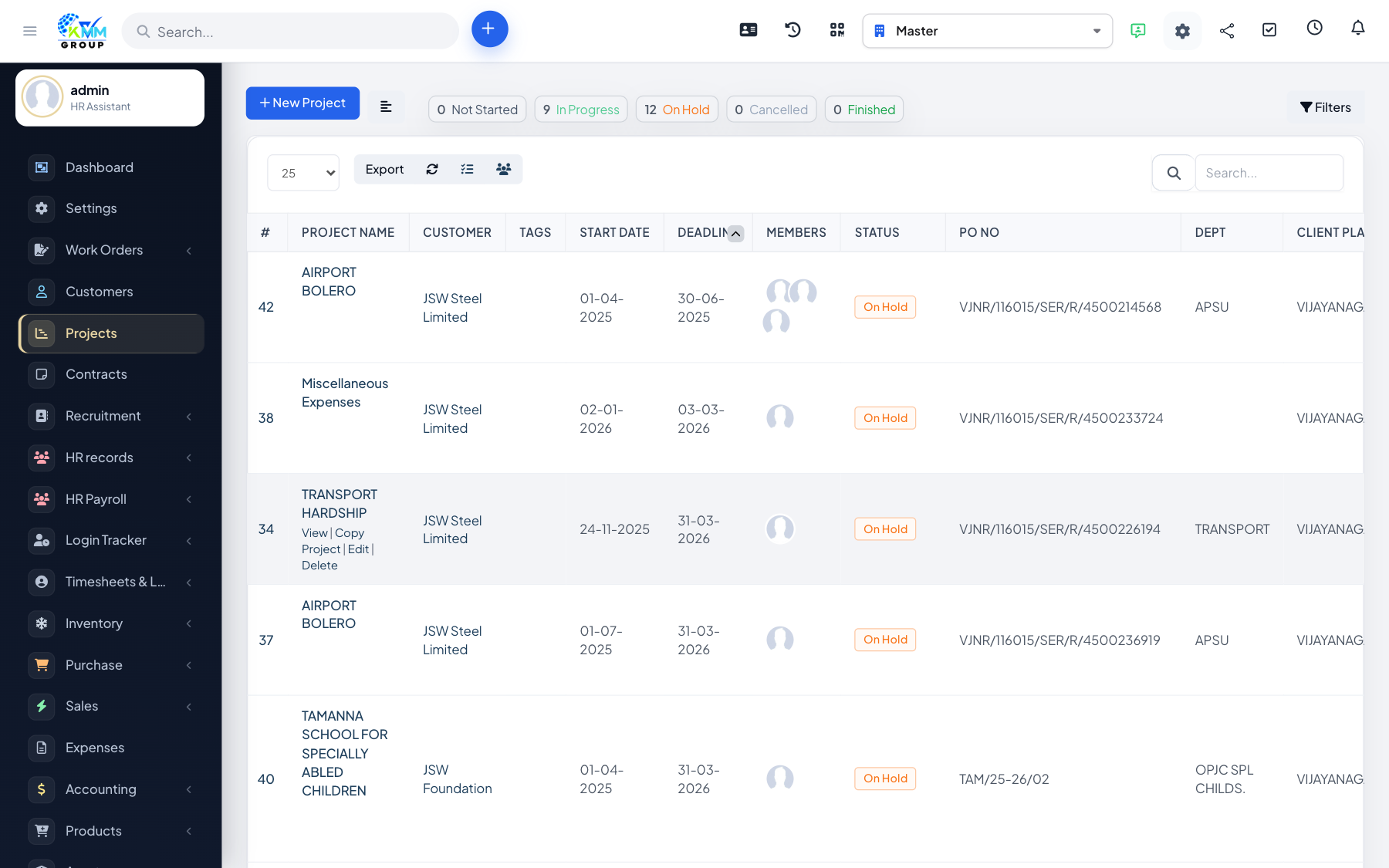
Notes are private reminders for staff, while the activity log is an automatic timeline of everything that happened on the project — a useful audit trail.
Steps
- Use the Notes tab for staff-only notes and reminders.
- Open the Activity tab to see a chronological log of project events.
- Control which activity is visible to the customer.
- Refer back to the activity log to understand what changed and when.
Tips
- Notes are never shown to customers, so they are safe for internal comments.