Overview
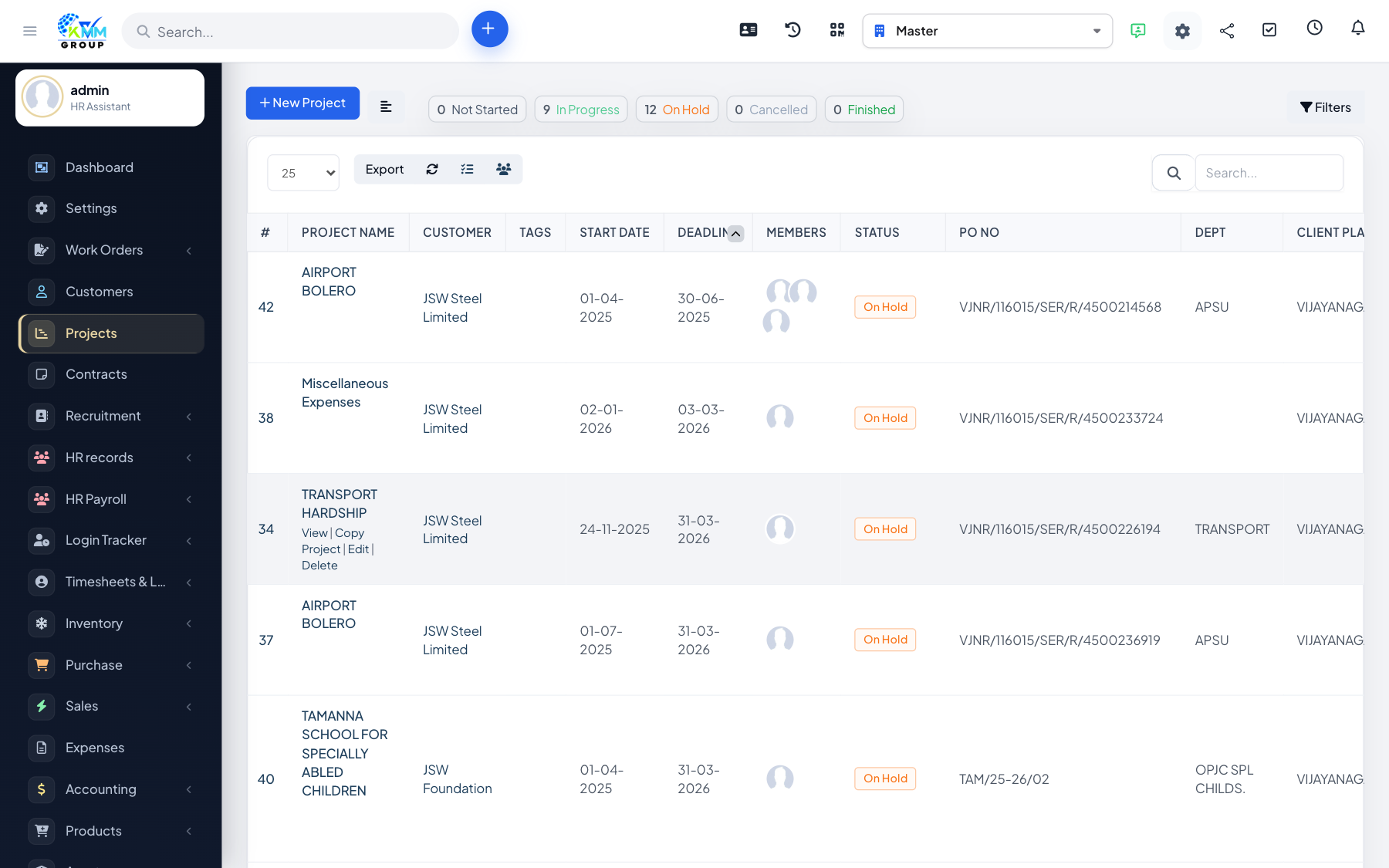
Projects can surface the related contracts and support tickets for the customer, so delivery, agreements and support are all visible together.
Steps
- Open the Contracts tab to see contracts for the project's customer.
- Open the Tickets tab to see support tickets linked to the project.
- Use these tabs to keep delivery, support and agreements in context.
Tips
- Having contracts and tickets on the project saves hunting through other modules during reviews.