Overview
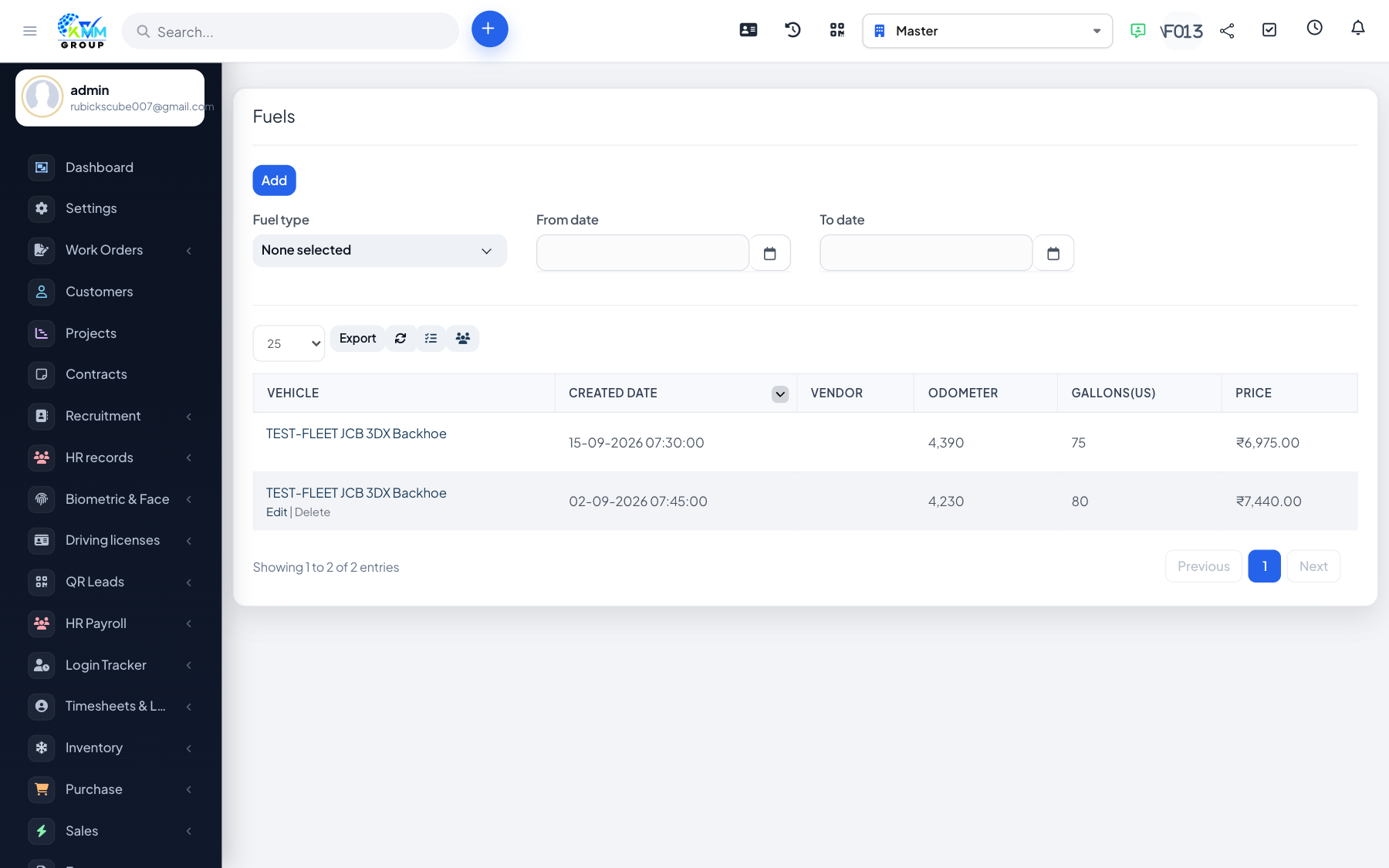
Fuel logs capture every refuel so you can monitor consumption, cost and efficiency per vehicle and location.
Steps
- Go to Fleet > Fuel (
/admin/fleet/fuels) and add a fuel entry. - Record the vehicle, date, odometer, quantity, unit price and fuel station/location.
- The system derives consumption and cost per distance from consecutive odometer readings.
- Review the fuel history and the fuel reports (summary, by vehicle, by location).
Tips
- Always enter the odometer at each fill-up — efficiency figures depend on it.
- Sudden spikes in consumption can flag a maintenance problem or misuse.