Overview
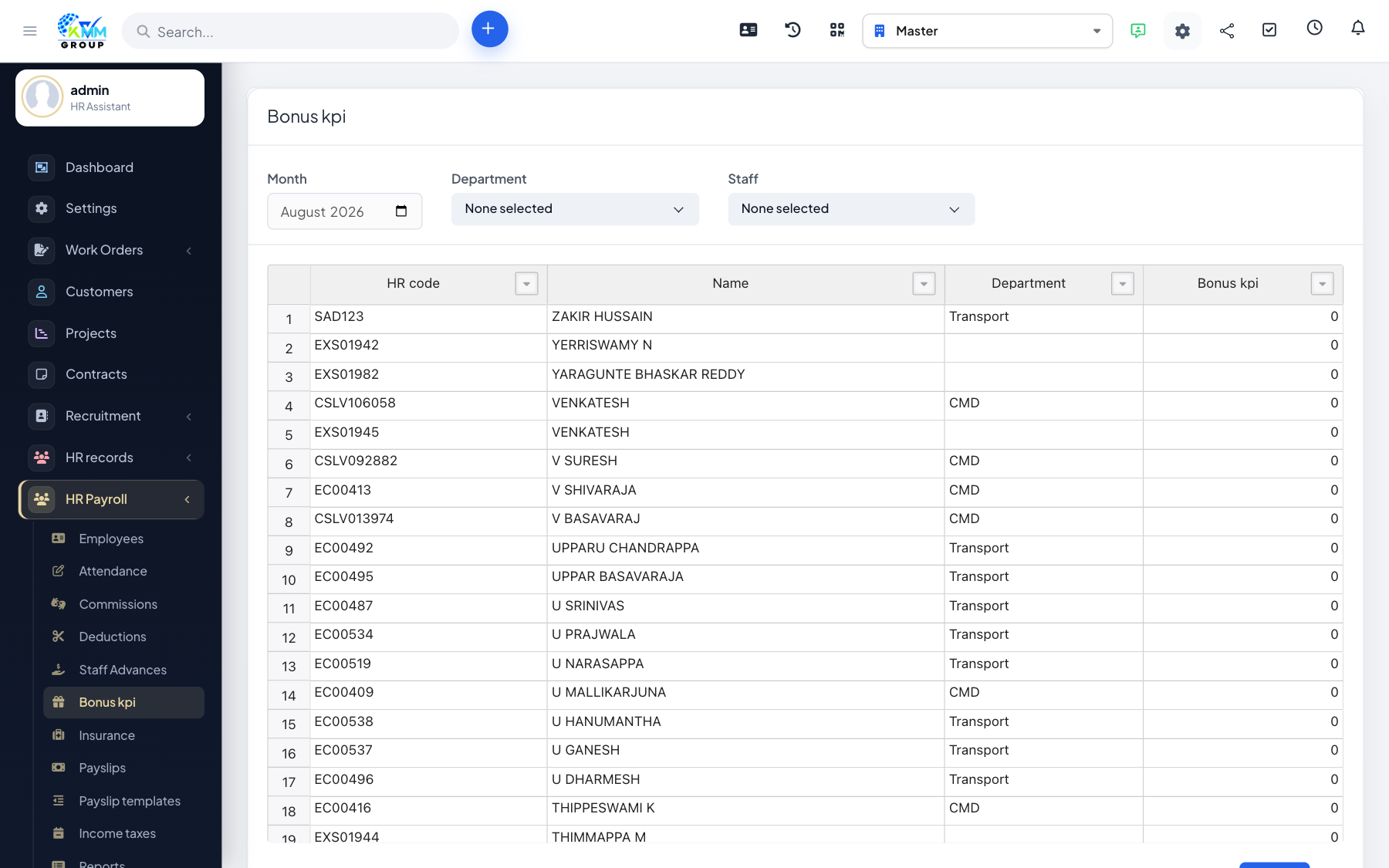
Bonuses and KPI payments reward employees for results and are added to their pay for the period.
Steps
- Go to HR Payroll > Bonus / KPI (
/admin/hr_payroll/manage_bonus). - Add a bonus/KPI entry per employee with the amount and period.
- Filter by month or staff to review entries before payroll.
- The amounts are added to the payslip automatically.
Tips
- Note the reason for each bonus so approvals and audits are straightforward.