Overview
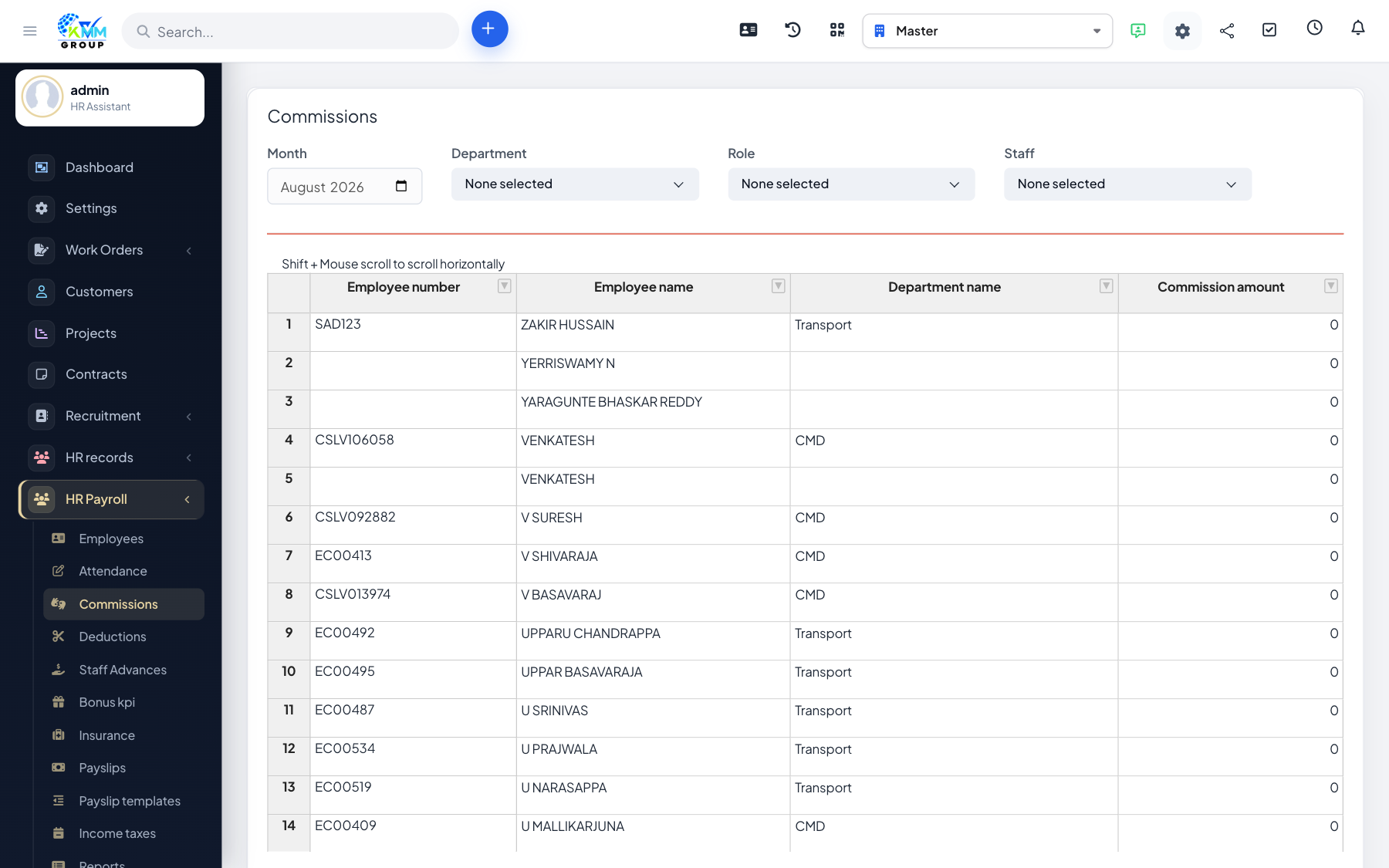
Commissions let you pay staff for sales or performance on top of their base salary, and include those amounts in the payslip.
Steps
- Go to HR Payroll > Manage Commissions (
/admin/hr_payroll/manage_commissions). - Add commissions per employee, or import them from Excel using the sample file.
- Filter by month or staff to review what will be paid.
- Commissions feed into the payslip for the period.
Tips
- Import commissions in bulk when they come from a separate sales report.