Overview
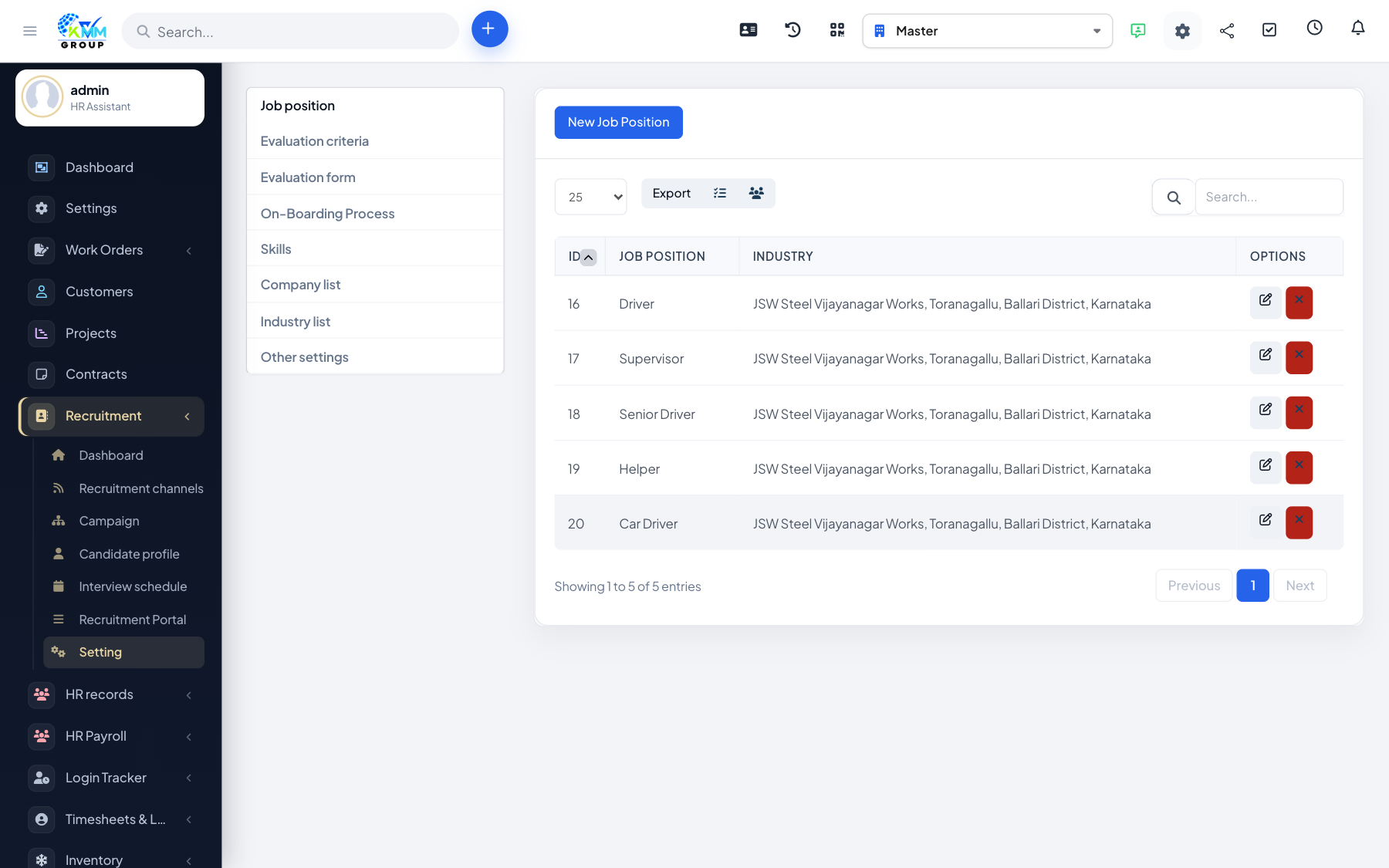
If you recruit for more than one company or client (for example as an agency, or across group companies), you can keep separate company records and group them by industry for cleaner organisation and reporting.
Steps
- Manage industries under Recruitment > Settings > Industry List.
- Create companies, adding a logo and any attachments.
- Associate each campaign with the company it is hiring for.
- Use company and industry filters to organise campaigns and reporting.
Tips
- If you only hire for one company you can leave this minimal and still use the rest of the module.