Overview
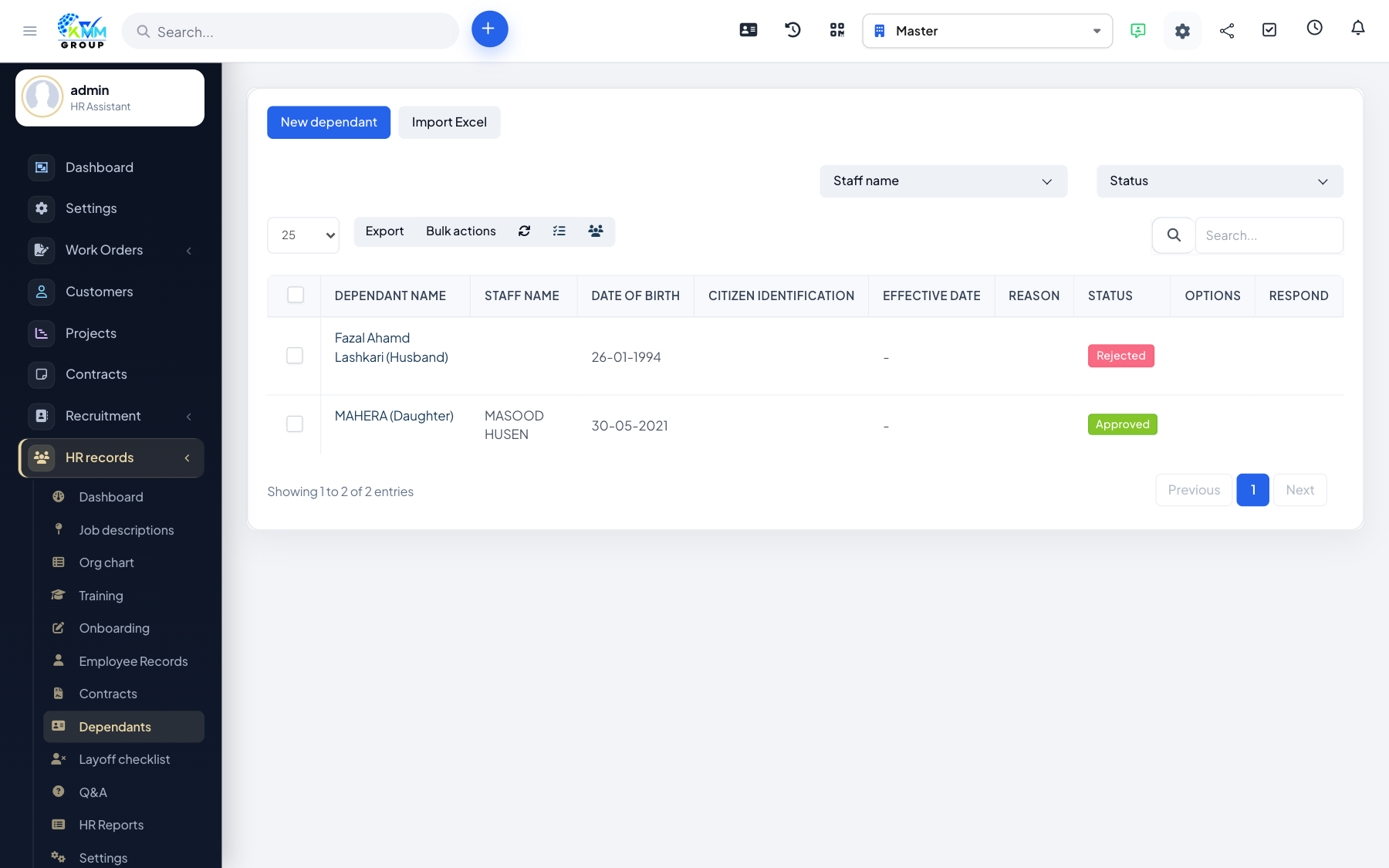
Dependents are the family members linked to an employee for insurance, tax or benefit purposes. Recording them (with an approval step) keeps benefit administration accurate.
Steps
- Go to HR > Dependent Persons (
/admin/hr_profile/dependent_persons). - Add a dependent to an employee with the relationship and document details.
- Set the approval status so only verified dependents are counted.
- Import dependents in bulk from Excel if you have many to add.
Tips
- Ask for supporting documents (e.g. birth certificate) before approving a dependent.