Overview
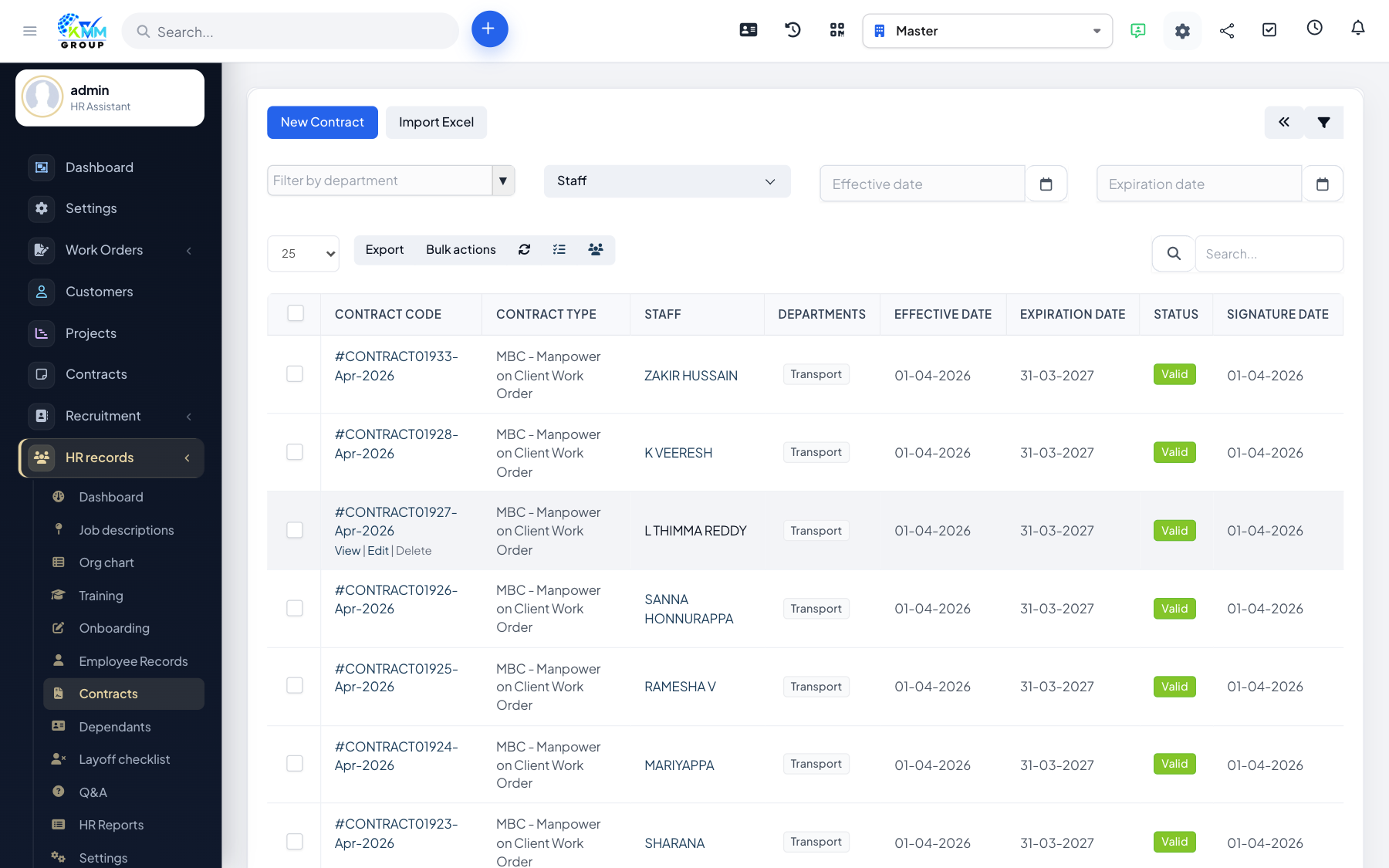
HR Contracts create and track the employment agreements linked to each employee and contract type, so you always know who is on what terms and when their contract ends.
Steps
- Go to HR > HR Contracts (
/admin/hr_profile/contracts) and click New Contract. - Select the employee, contract type, start/end dates, salary and allowances; the contract code is generated from your prefix.
- Attach files, or import contracts in bulk from Excel.
- Track active and expiring contracts from the list so renewals are not missed.
Tips
- Enter the end date on fixed-term contracts so you get early warning before they lapse.