Overview
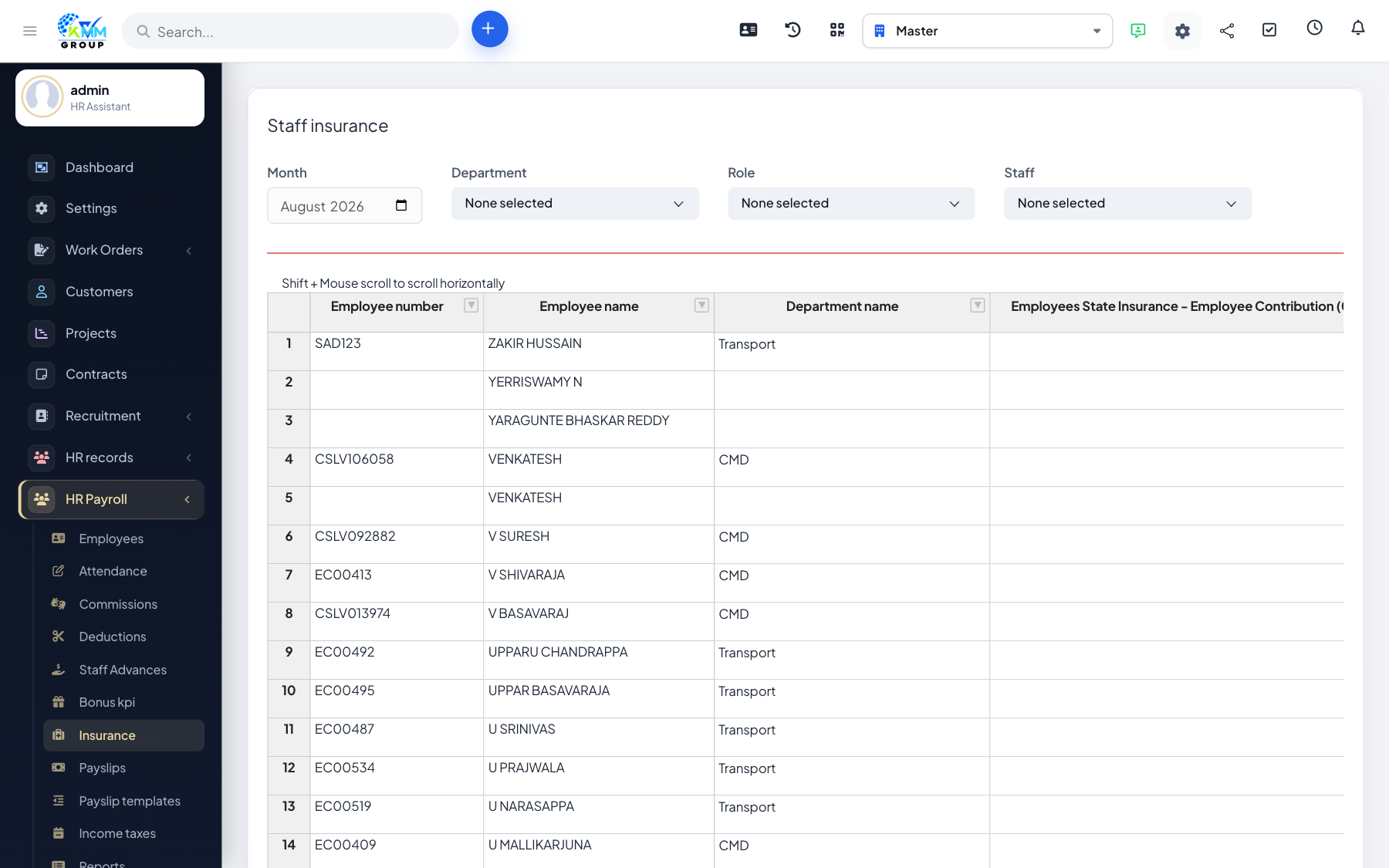
Track both the insurance an employee pays into and the contributions the company makes on their behalf, so payslips and cost reports are complete.
Steps
- Define insurance and contribution types under Settings.
- Go to HR Payroll > Insurance (
/admin/hr_payroll/manage_insurances) and assign them to employees. - Set the employee and employer amounts for each.
- These figures appear on payslips and in the insurance cost report.
Tips
- Employer contributions matter for true cost-of-employment reporting, not just the payslip.