Overview
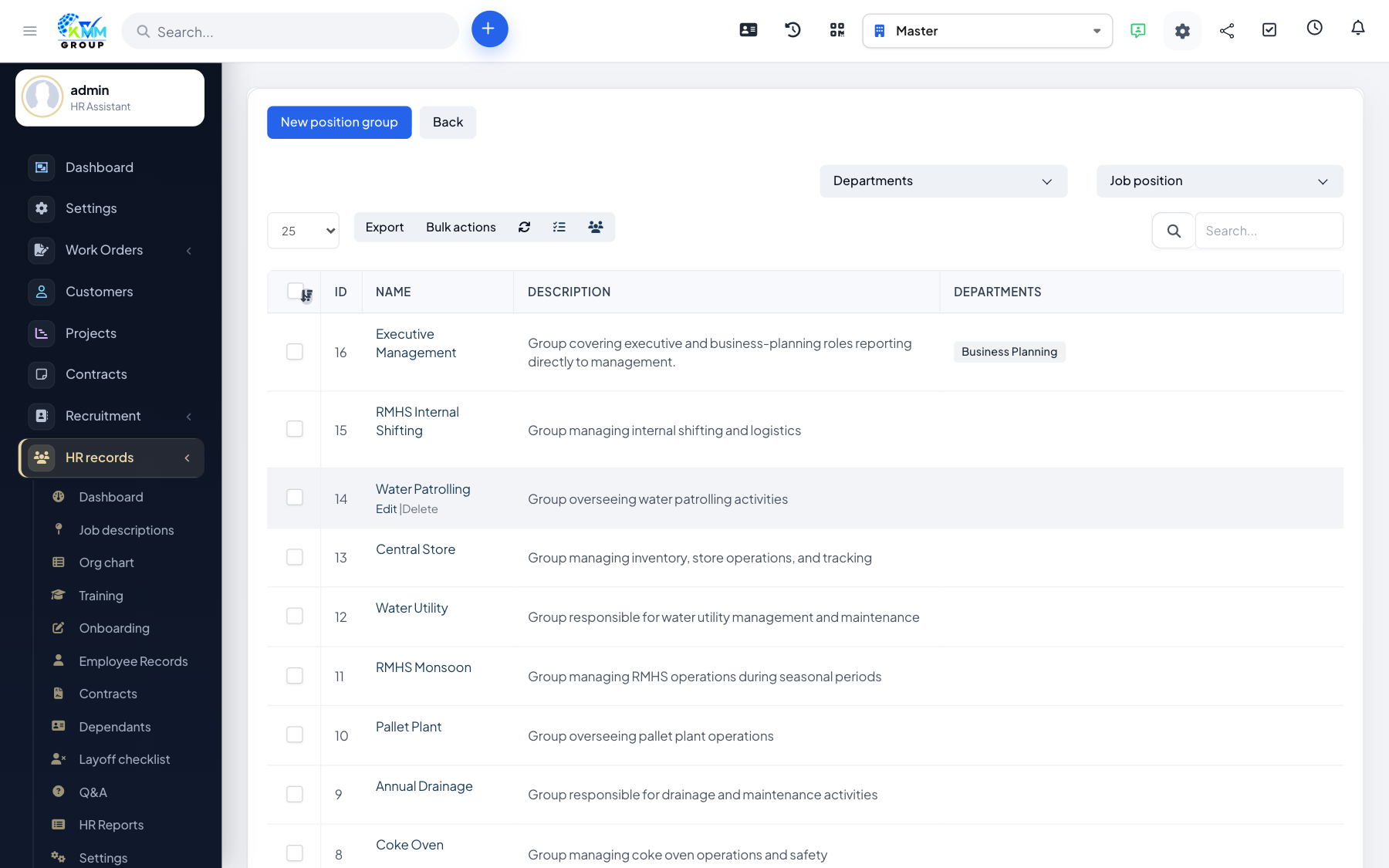
Job descriptions define the positions you employ, including the salary structure, tags and any attached documents. They give structure to your org chart and standardise pay.
Steps
- Open HR > Job Descriptions (
/admin/hr_profile/job_position_manage). - Create positions and link them to the right departments.
- Attach the job-description document and add tags for easy filtering.
- Set the salary form / allowances for each position so pay is consistent.
- Import positions in bulk from Excel if you have many to add.
Tips
- Attaching the JD document keeps recruitment, onboarding and appraisals aligned.