Overview
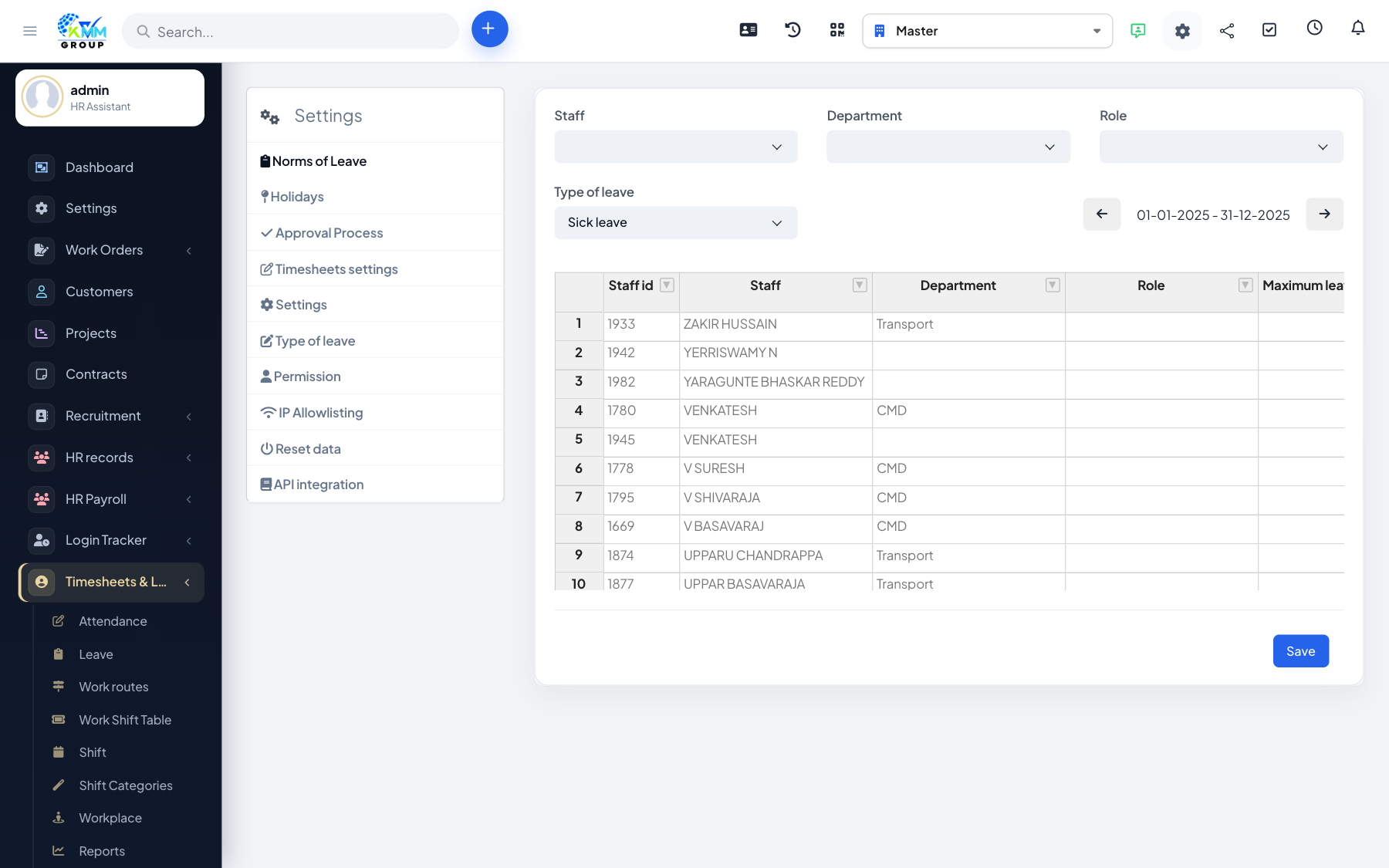
Leave types (annual, sick, and so on) each carry an entitlement that staff draw down as they take leave. The system tracks the remaining balance per person and type.
Steps
- In Settings, add each type of leave and set its annual norm/entitlement.
- Assign entitlements according to your policy.
- The system tracks each employee's remaining days by type.
- Balances update automatically as leave is approved.
Tips
- Review entitlements at the start of each year so balances reset correctly.