Overview
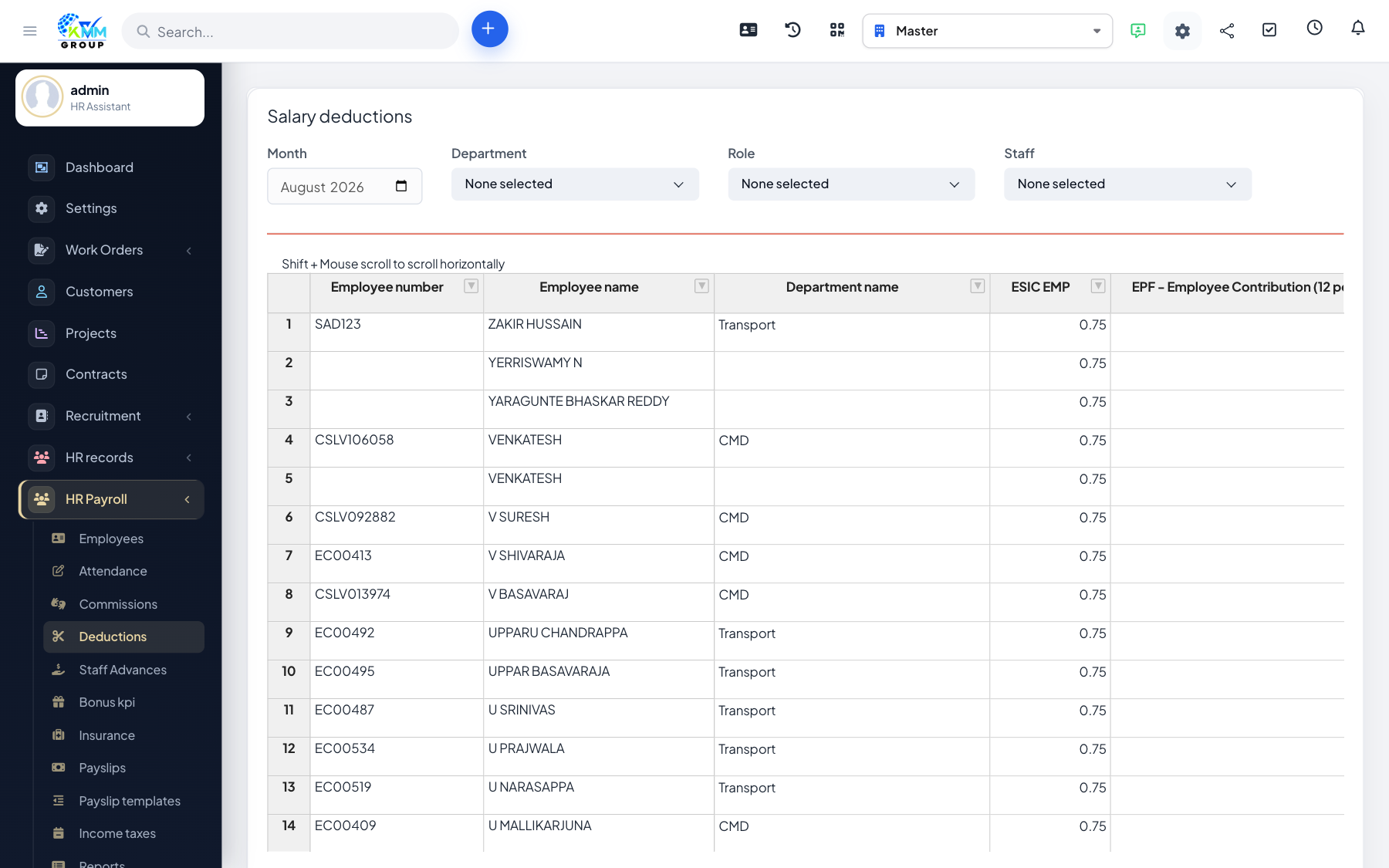
Deductions capture money taken off pay — advances, penalties, loan repayments — whether one-off or recurring.
Steps
- Go to HR Payroll > Manage Deductions (
/admin/hr_payroll/manage_deductions). - Add a deduction for an employee with the amount, type and period.
- Mark whether it is a one-off or repeats over several months.
- Deductions are subtracted automatically when payslips are generated.
Tips
- For loan repayments, record the schedule so the deduction stops once the loan is cleared.