Overview
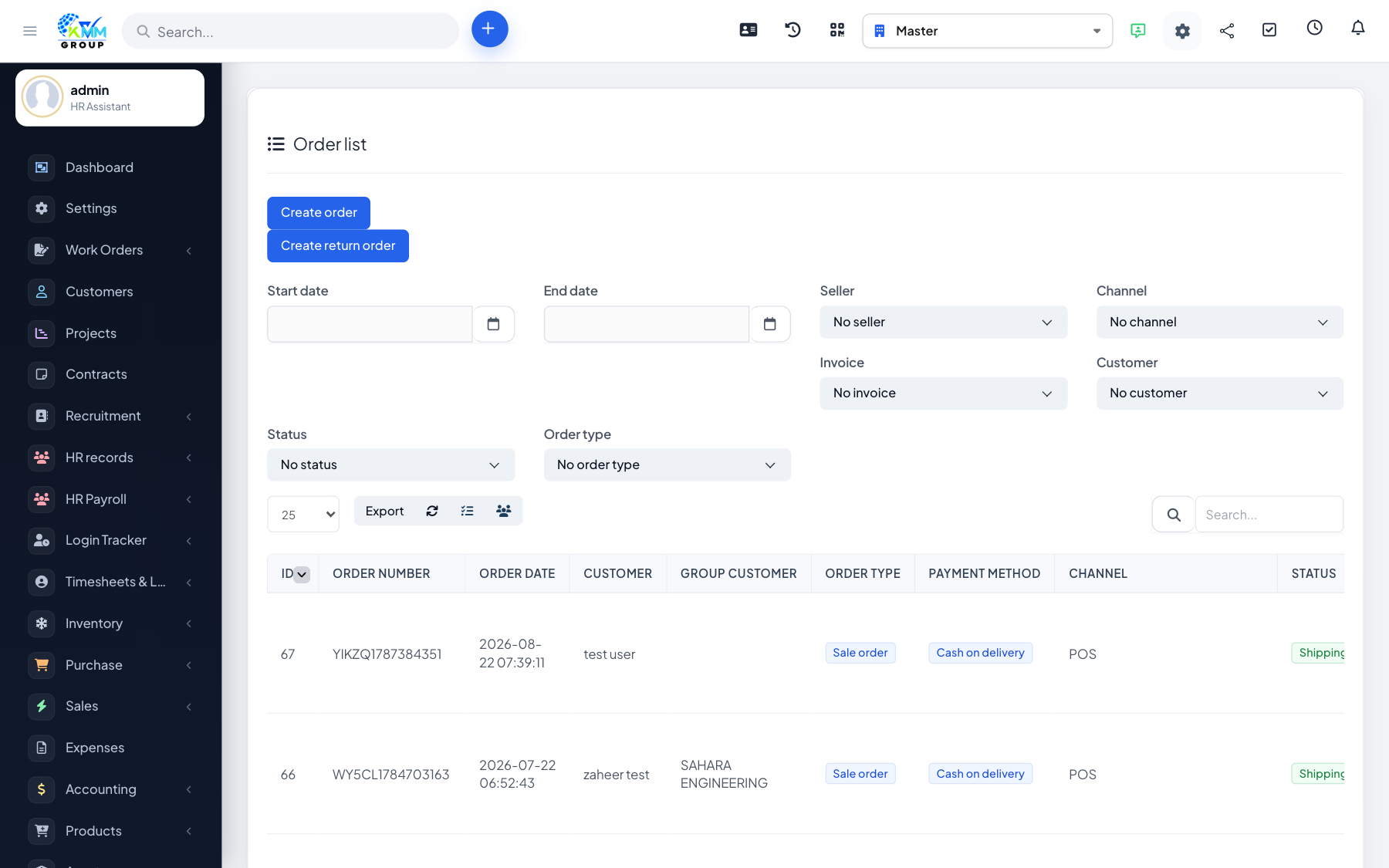
Pre-orders let you take demand for items you do not have in stock yet, and can automatically raise a purchase request to get them, then be fulfilled when the goods arrive.
Steps
- Create a pre-order and add the requested products.
- Check inventory to see what is short.
- Raise a purchase request for the shortfall.
- When stock arrives, hand over the pre-order to fulfil it for the customer.
Tips
- Pre-orders are ideal for made-to-order or long-lead-time products.