Overview
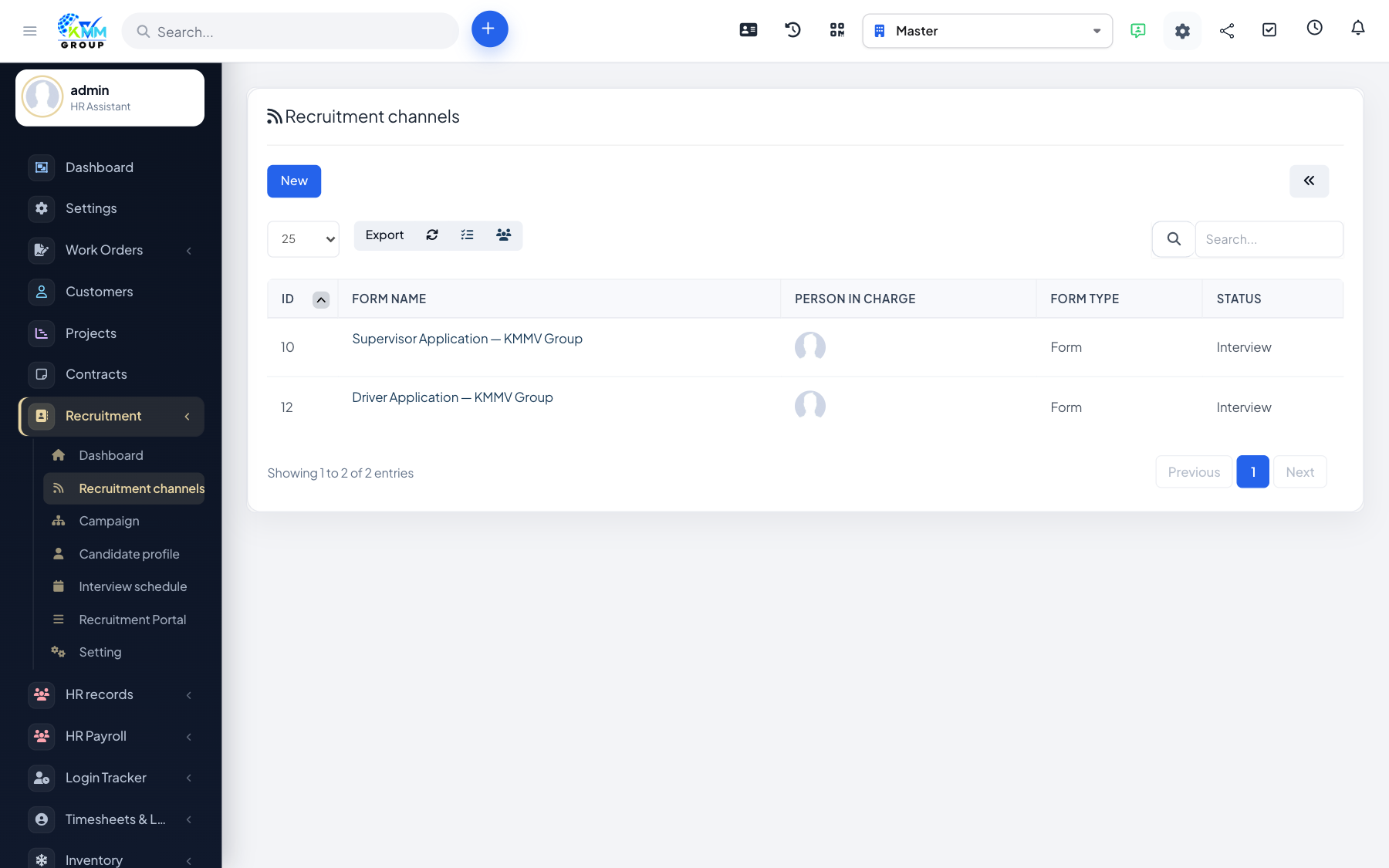
Channels record where your candidates come from (LinkedIn, referrals, agencies, and so on) so you can see which sources work best. A channel can also expose a public application form that drops applicants straight into a campaign.
Steps
- Go to Recruitment > Recruitment Channel (
/admin/recruitment/recruitment_channel). - Create a channel and configure the fields on its public application form.
- Share the form link on your chosen source (website, social post, email).
- Each submission creates a candidate automatically, linked to that channel and campaign.
- Duplicate an existing channel to reuse its configuration for a new source.
Tips
- Only ask for the fields you really need on the public form — shorter forms get more applicants.
- Compare channels later to focus your effort on the best sources.