Overview
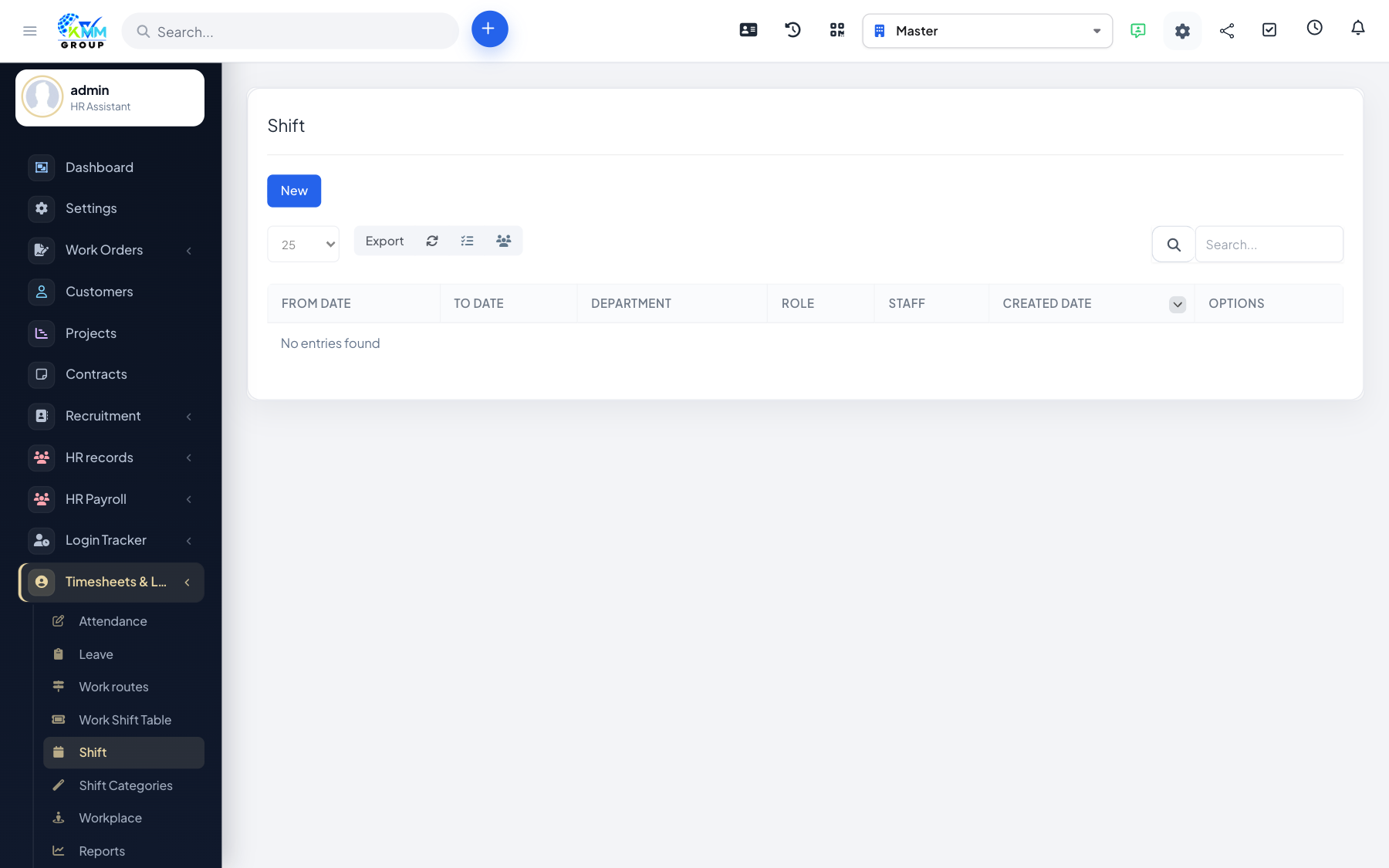
Shift management gives you a calendar-style overview of all shift allocations, so you can see coverage across the team at a glance and fix gaps.
Steps
- Go to Timesheets & Leave > Shift Management (
/admin/timesheets/shift_management). - Review the shift allocations for the period.
- Adjust allocations to cover gaps or absences.
- Use it alongside shiftwork to keep the roster accurate.
Tips
- Check the overview before publishing a roster to make sure every shift is covered.