Overview
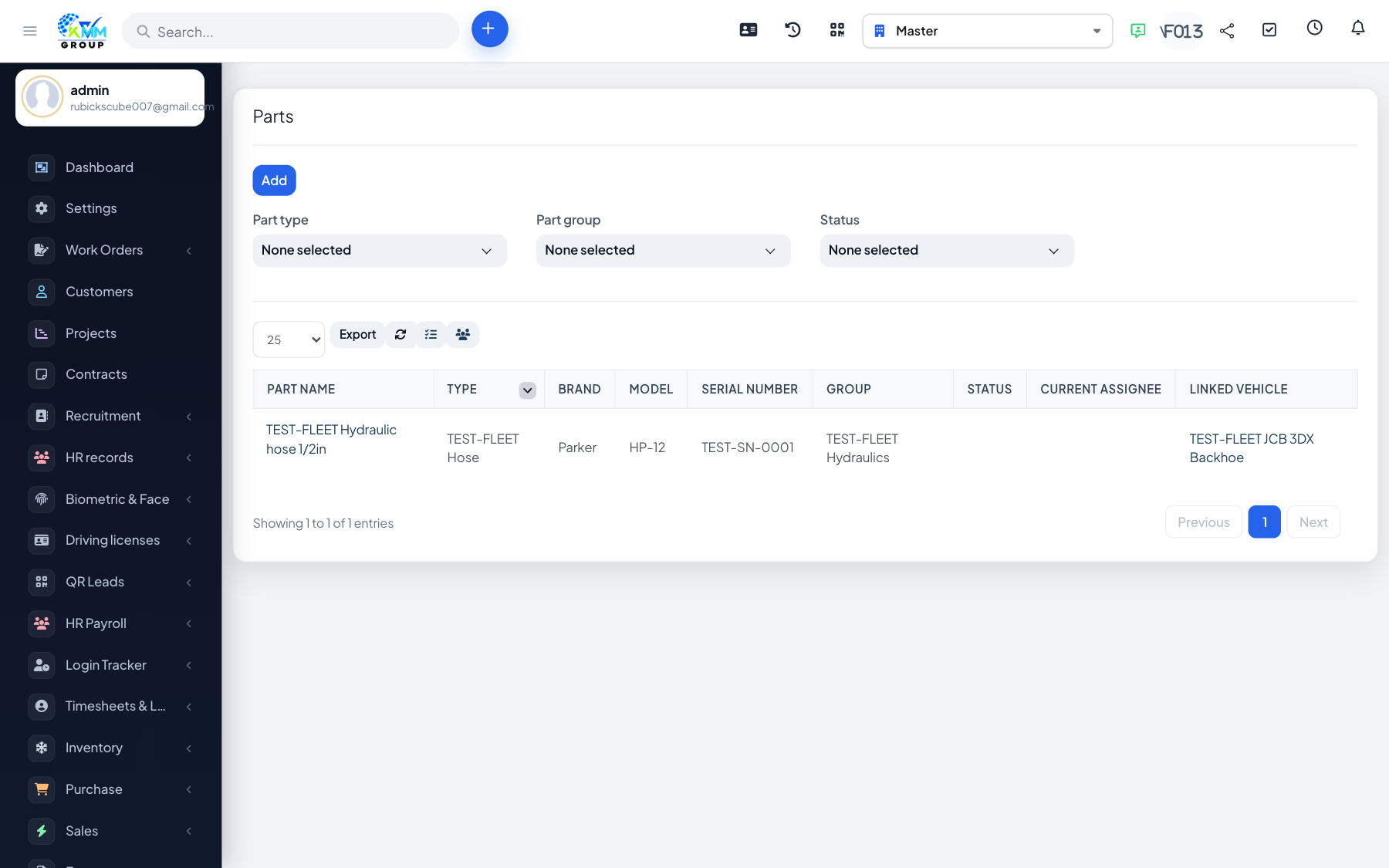
Parts tracks your spare-part stock, categorised by part group and type, with a usage history.
Steps
- Define part groups and part types in Settings.
- Go to Fleet > Parts (
/admin/fleet/parts) and add parts with quantity and cost. - Parts consumed in maintenance or work orders are recorded in the part history.
- Monitor stock levels so you can reorder before running out.