Overview
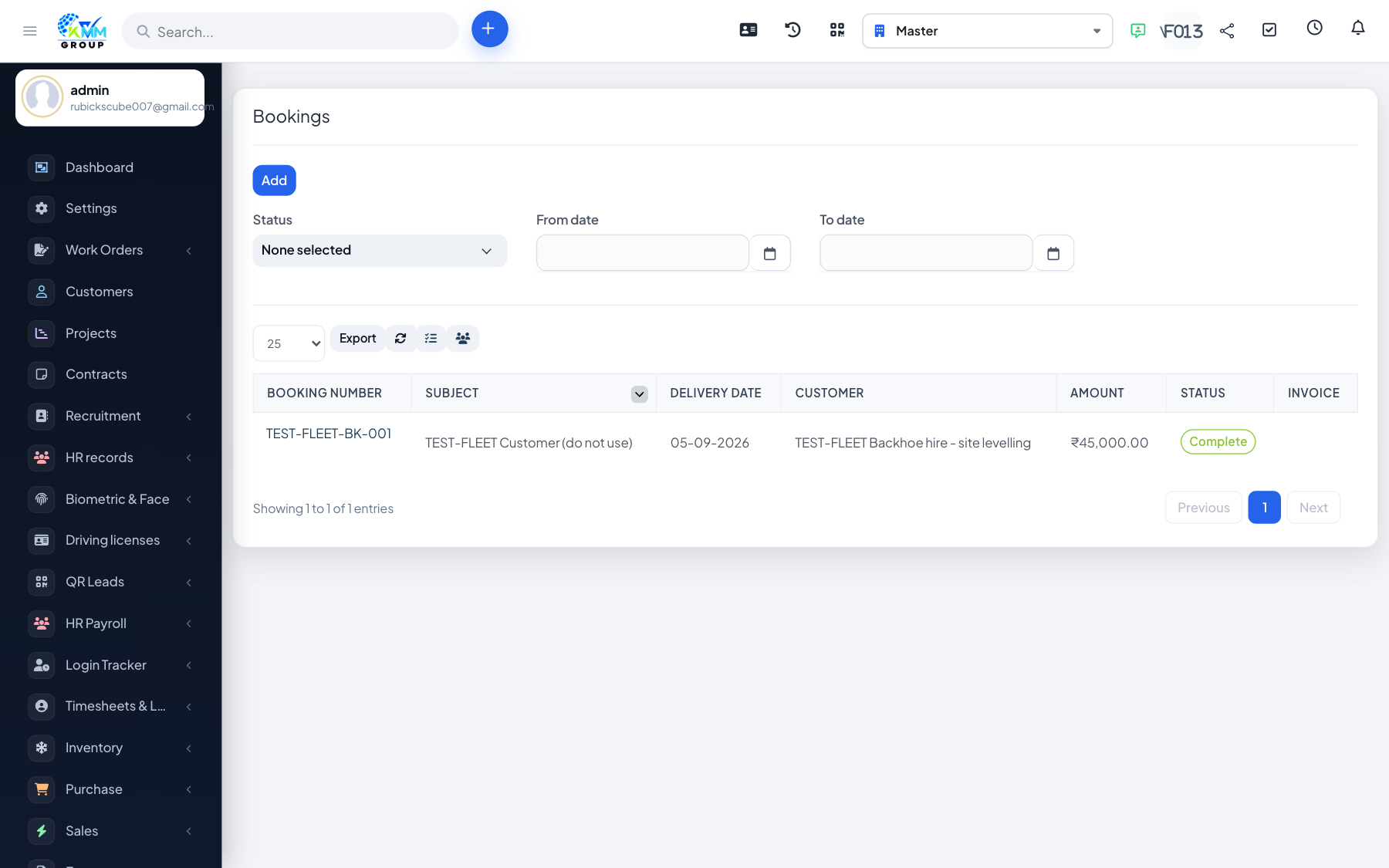
Bookings reserve a vehicle for a customer or purpose over a period and can be invoiced.
Steps
- Go to Fleet > Bookings (
/admin/fleet/bookings) and create a booking. - Select the vehicle, customer, period and rate.
- Update the booking status as it progresses and edit its info as needed.
- Use create invoice to bill the booking.
Tips
- Check for overlapping bookings on the same vehicle before confirming.