Overview
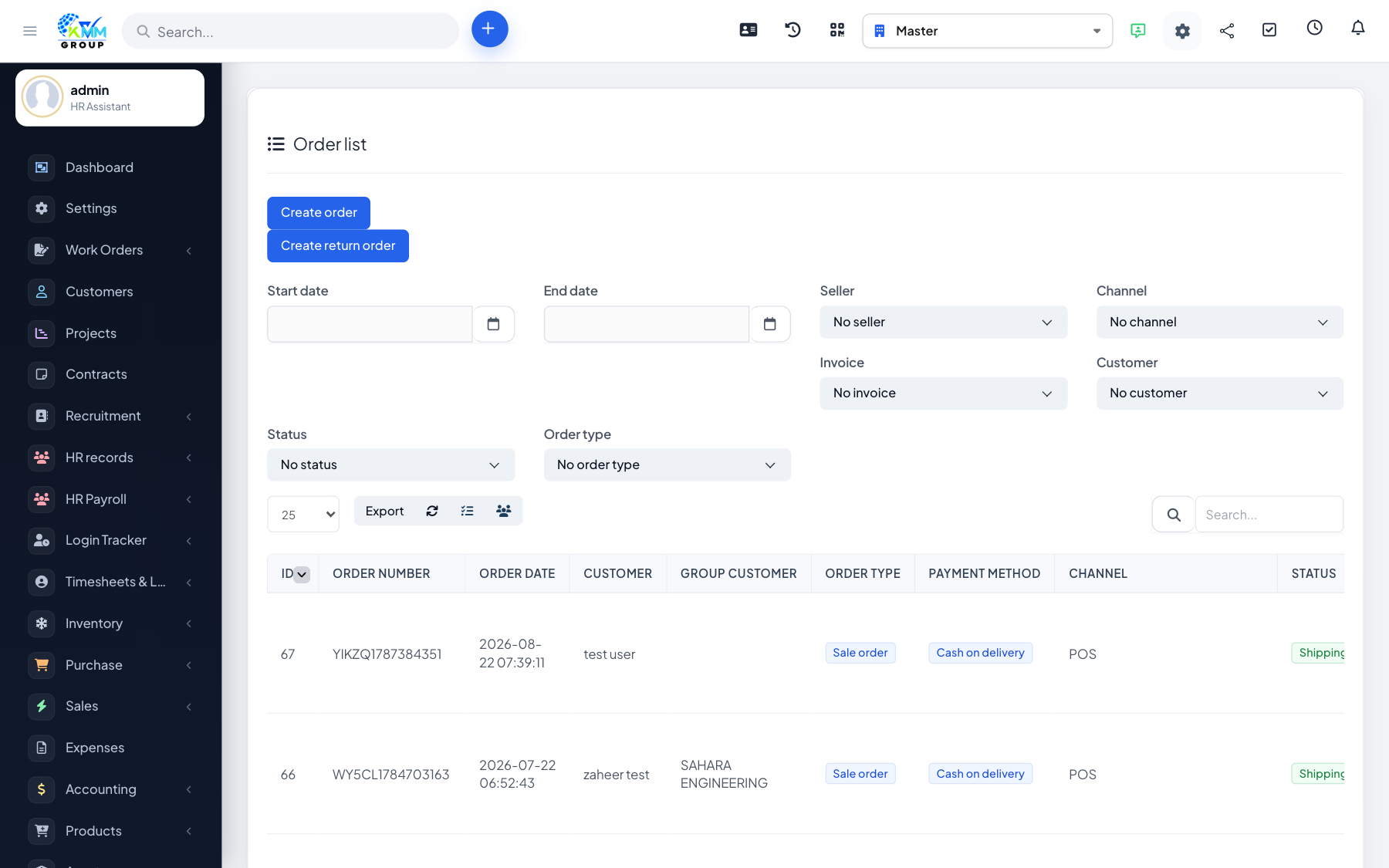
Shifts group POS activity for a session and track the cash drawer, so you can reconcile takings at the end of each shift.
Steps
- On the POS, open a shift and enter the opening float (starting cash).
- Sell during the shift; every transaction is recorded against it.
- At the end, close the shift.
- Review the transaction history and totals to reconcile cash taken versus expected.
Tips
- Always close the shift before the next cashier starts, so takings are attributed correctly.