Overview
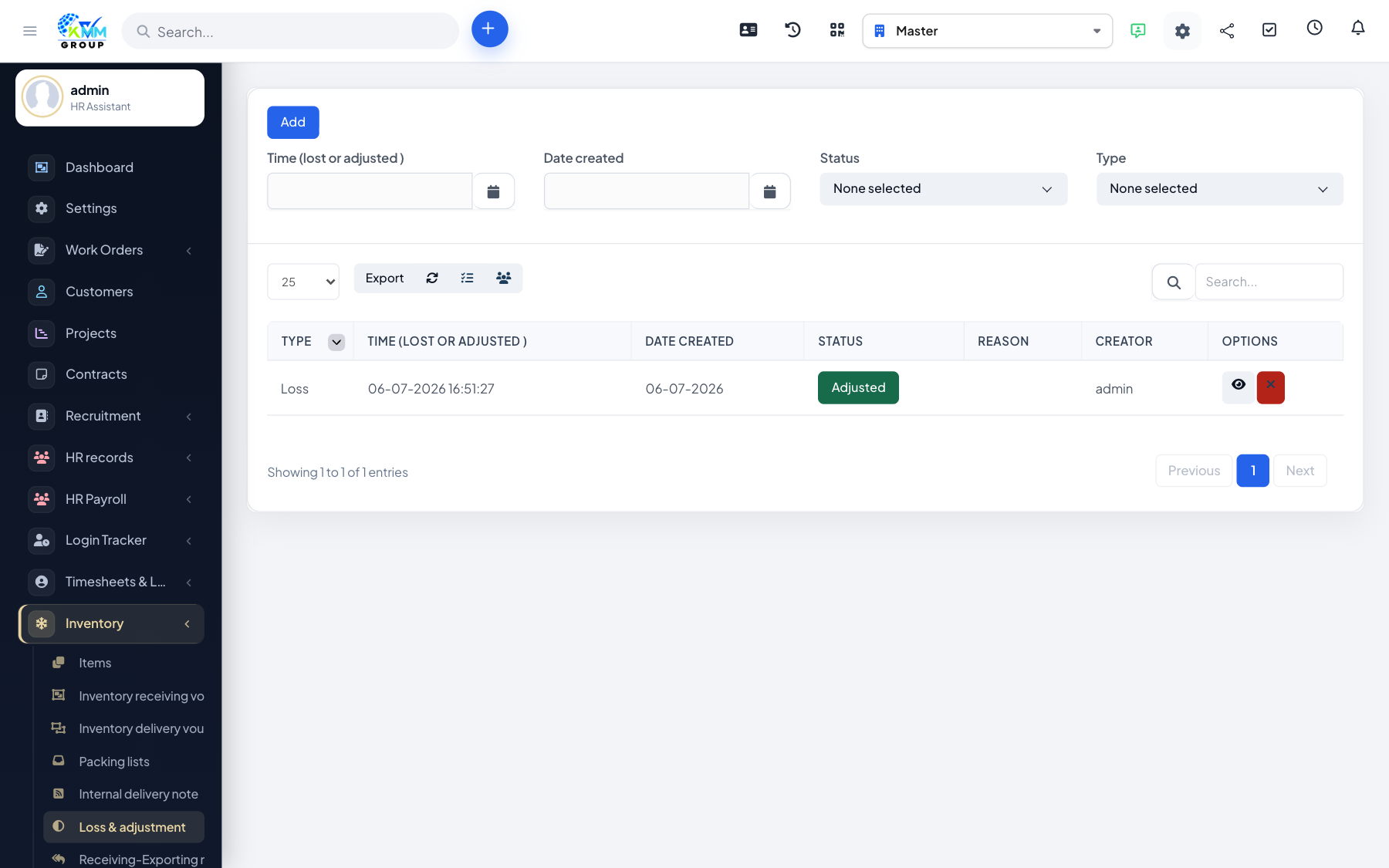
Loss adjustments correct your stock figures for things that do not go through normal import/export — damage, theft, expiry, or differences found during a stock count.
Steps
- Go to Inventory > Loss Adjustment (
/admin/warehouse/loss_adjustment). - Select the warehouse and the items affected.
- Enter the adjusted quantity and a clear reason.
- Confirm — stock is adjusted and the change is recorded in history.
Tips
- Always record a reason — it explains discrepancies during audits and stock counts.