Overview
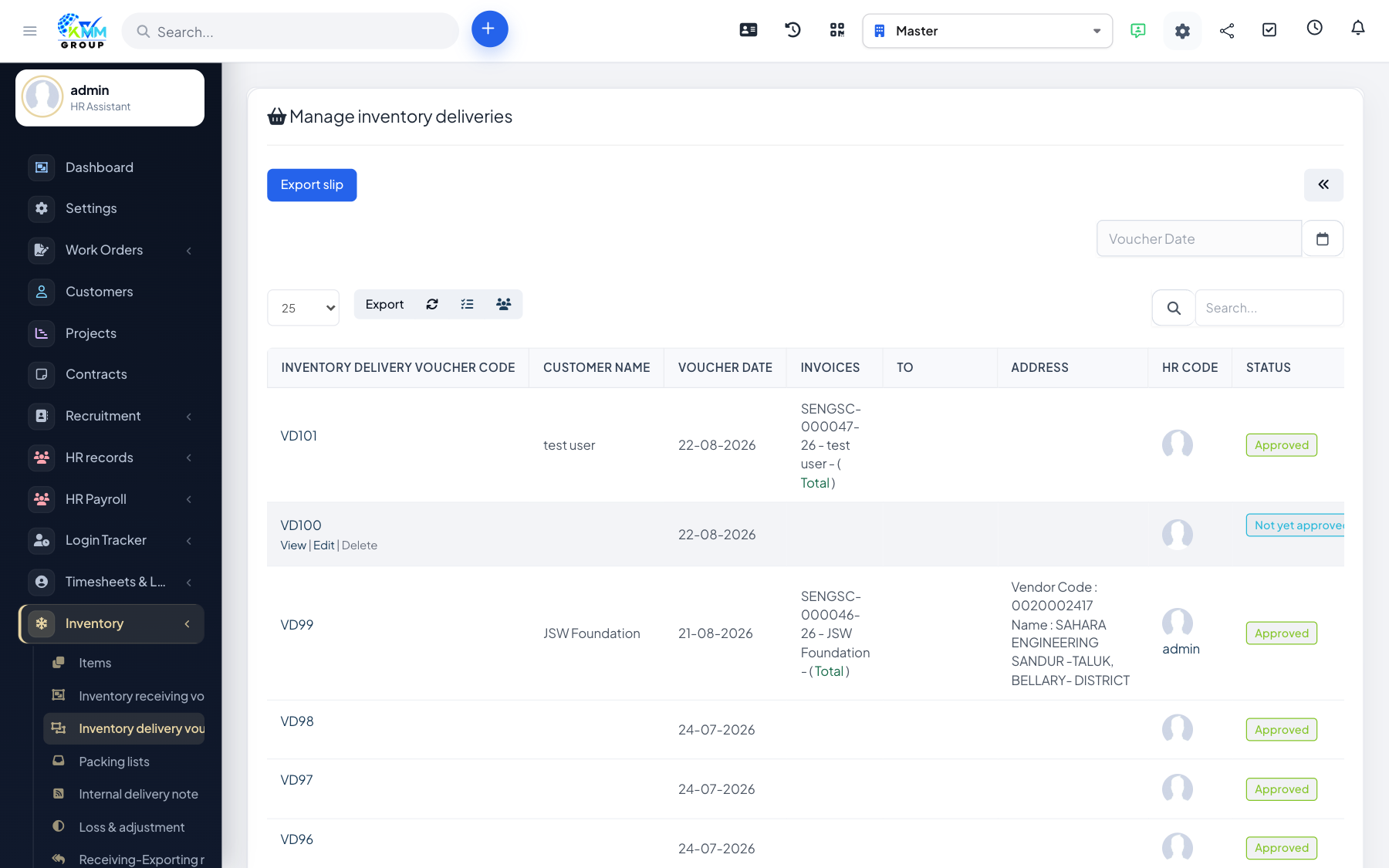
A stock export (goods delivery) is how you issue items out of a warehouse — for a sale, a job, or internal use. It decreases the stock on hand.
Steps
- Go to Inventory > Stock Export (
/admin/warehouse/manage_delivery) and click New. - Select the source warehouse.
- Add the items and quantities, and record the destination or reason.
- Save and confirm — stock levels decrease accordingly.
Tips
- Check available stock before confirming so you do not export more than you hold.