Overview
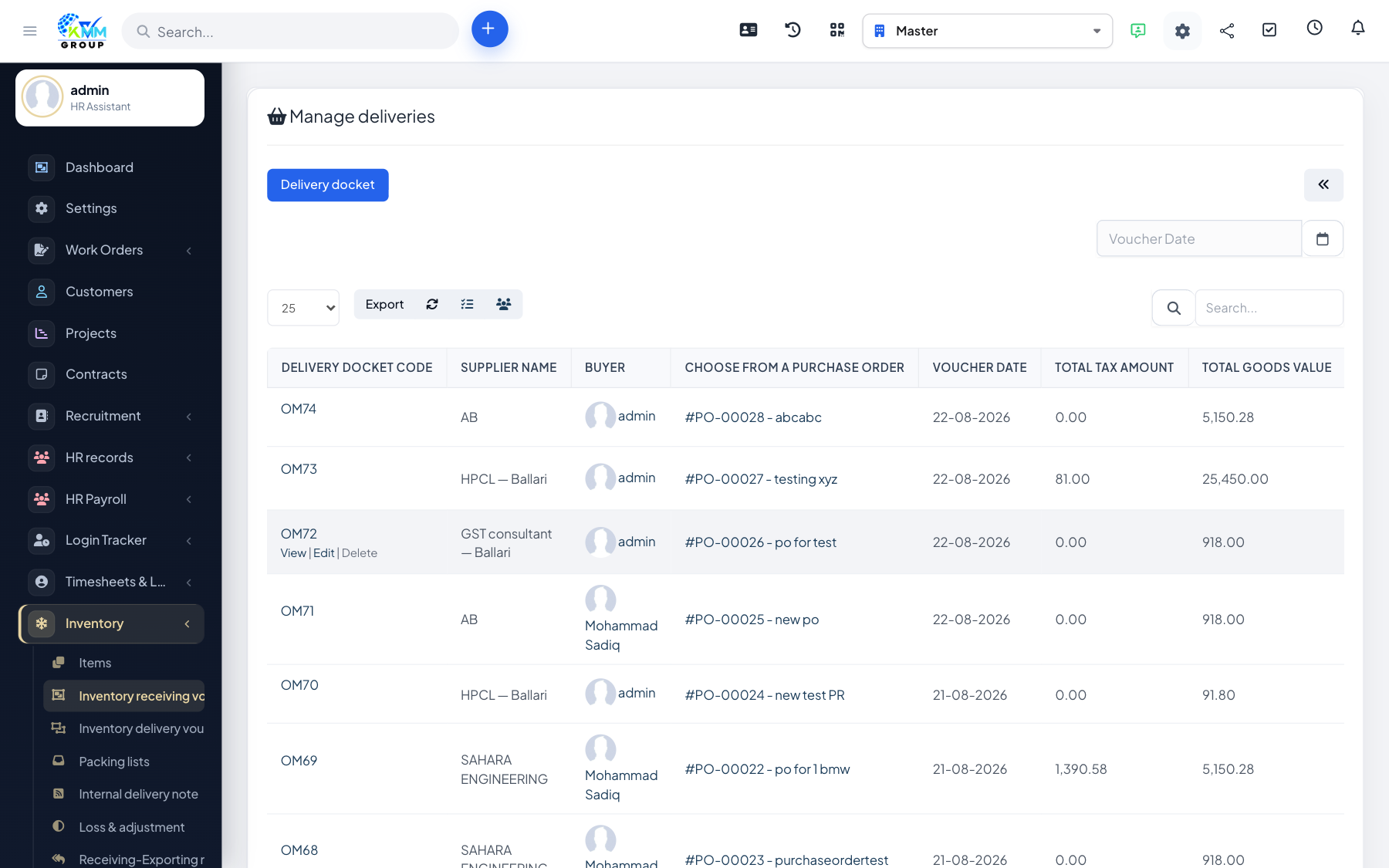
A stock import (goods receipt) is how you bring items into a warehouse — for example when a supplier delivers. It increases the stock on hand for those items.
Steps
- Go to Inventory > Stock Import (
/admin/warehouse/manage_purchase) and click New. - Select the receiving warehouse.
- Add the items and quantities received, and set the prices/source (e.g. a purchase).
- Save and confirm — stock for those items increases in the chosen warehouse.
Tips
- Enter accurate prices — they feed stock valuation and cost reporting.