Overview
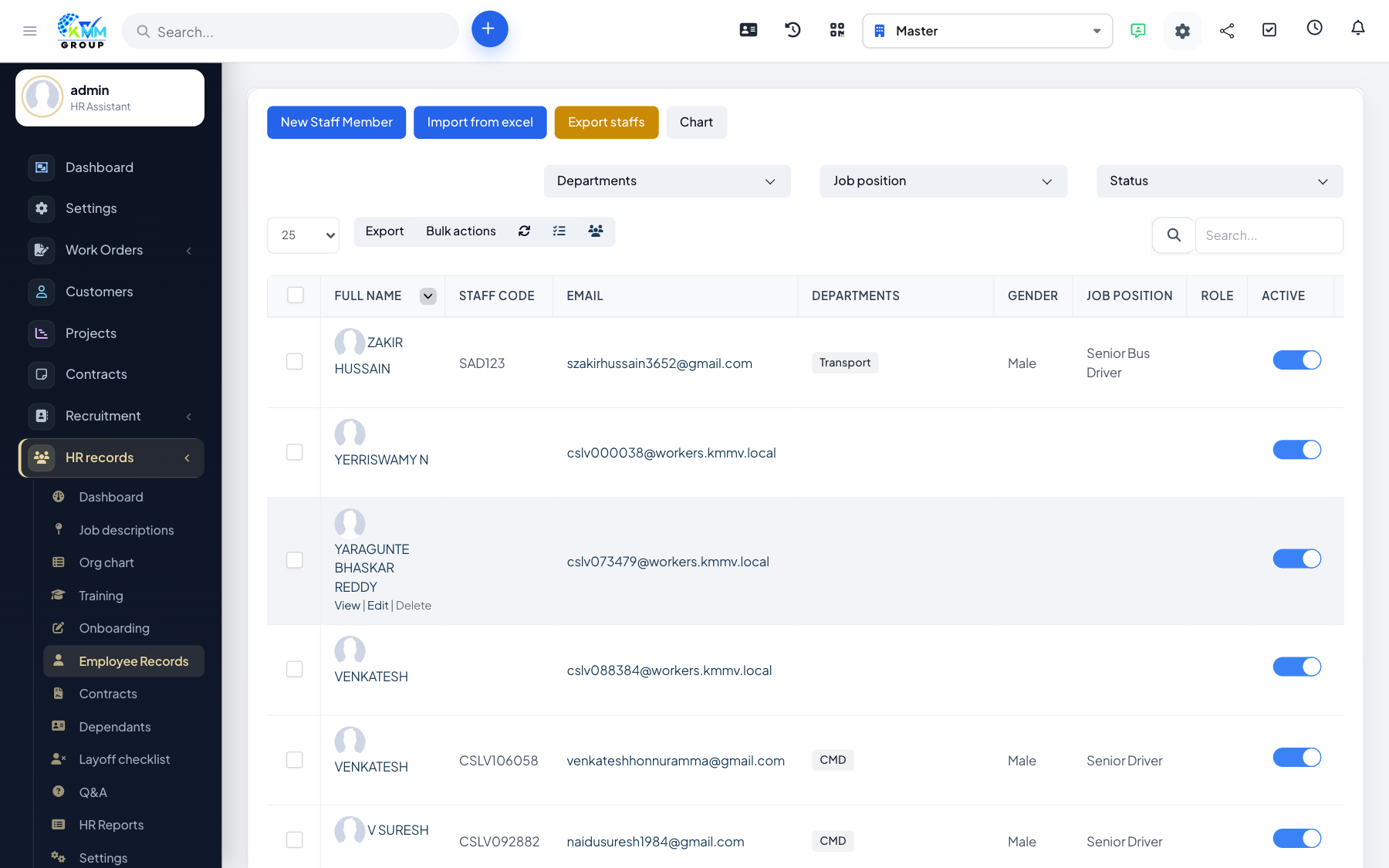
Track both the rewards and the disciplinary actions attached to each employee. Keeping these on record supports fair, consistent people management and feeds HR reporting.
Steps
- Open an employee record and choose Bonus or Discipline.
- Enter the amount/type, the date and the reason.
- Attach any supporting document (e.g. a warning letter or award note).
- These entries appear on the profile and feed HR reports.
Tips
- Record the reason clearly — it protects both the employee and the company later.