Overview
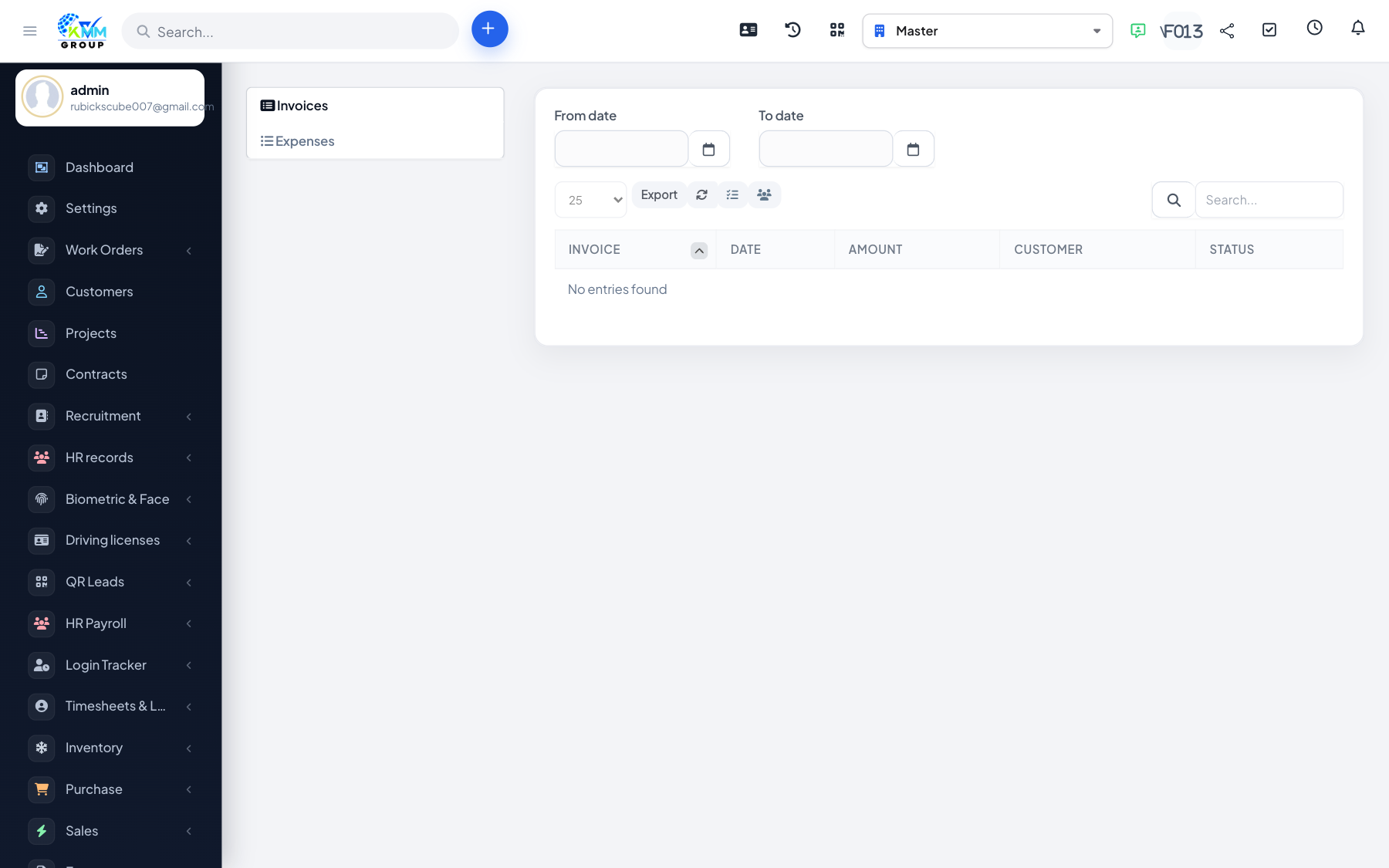
The Transactions area consolidates the invoices (income) and expenses (cost) associated with your vehicles.
Steps
- Go to Fleet > Transactions (
/admin/fleet/transactions?group=invoices). - Switch between the Invoices and Expenses tabs.
- Invoices come from bookings (Create invoice); expenses come from work orders (Create expense). Fuel, maintenance and insurance costs stay in Fleet reports and do not create expenses.
- Use this view to reconcile the money in and out per vehicle.