Overview
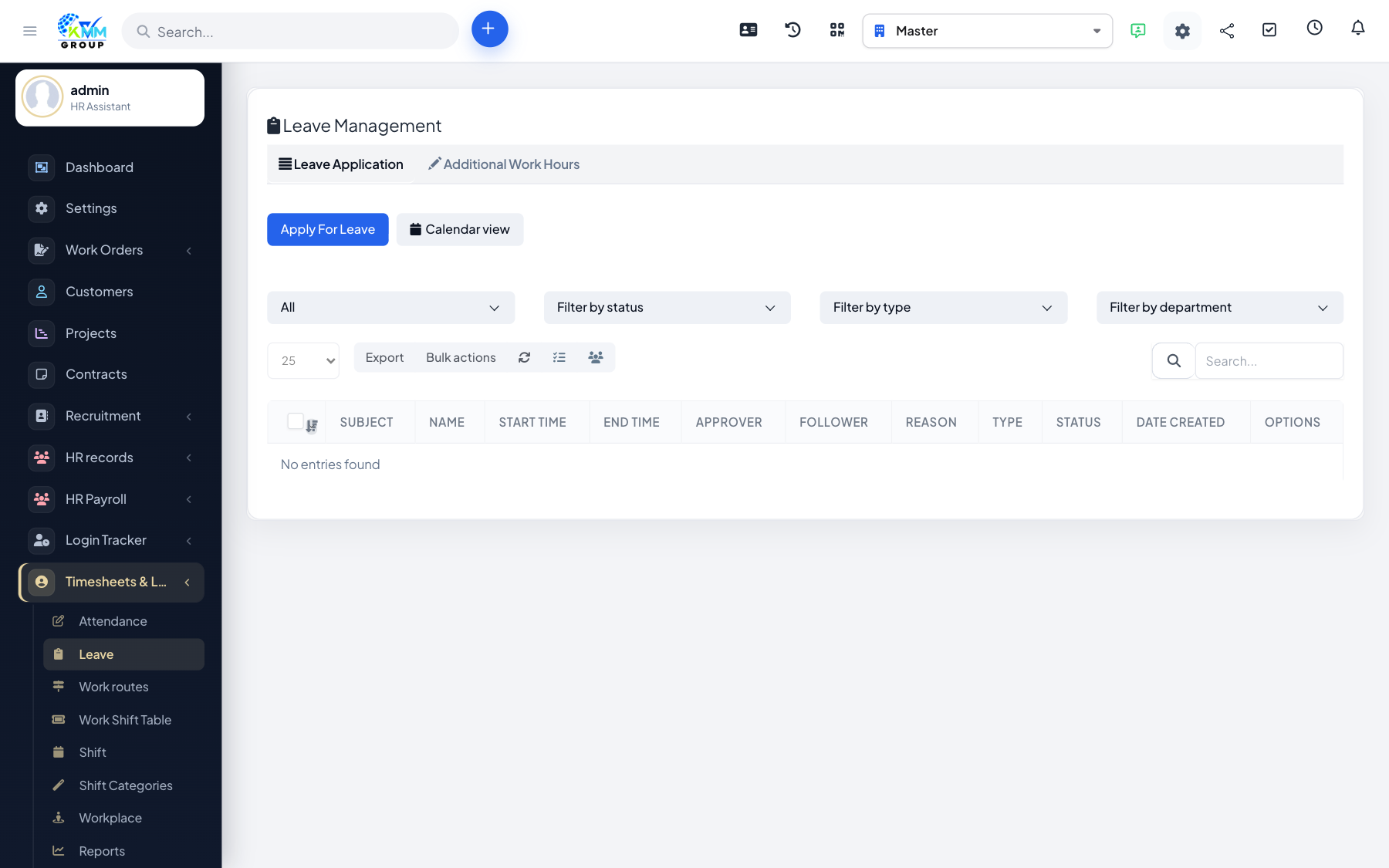
Leave requests (requisitions) let staff apply for time off and route it to the right person for approval, with the balance updating automatically once approved.
Steps
- Go to Timesheets & Leave > Leave (
/admin/timesheets/requisition_manage). - Create a leave request with the type, dates and reason; attach supporting files if needed.
- The request is routed to the approver.
- The approver approves or rejects it, and the applicant is notified.
- Approved leave updates the balance and appears on the leave calendar.
Tips
- The leave calendar helps you avoid too many people being off at the same time.