Overview
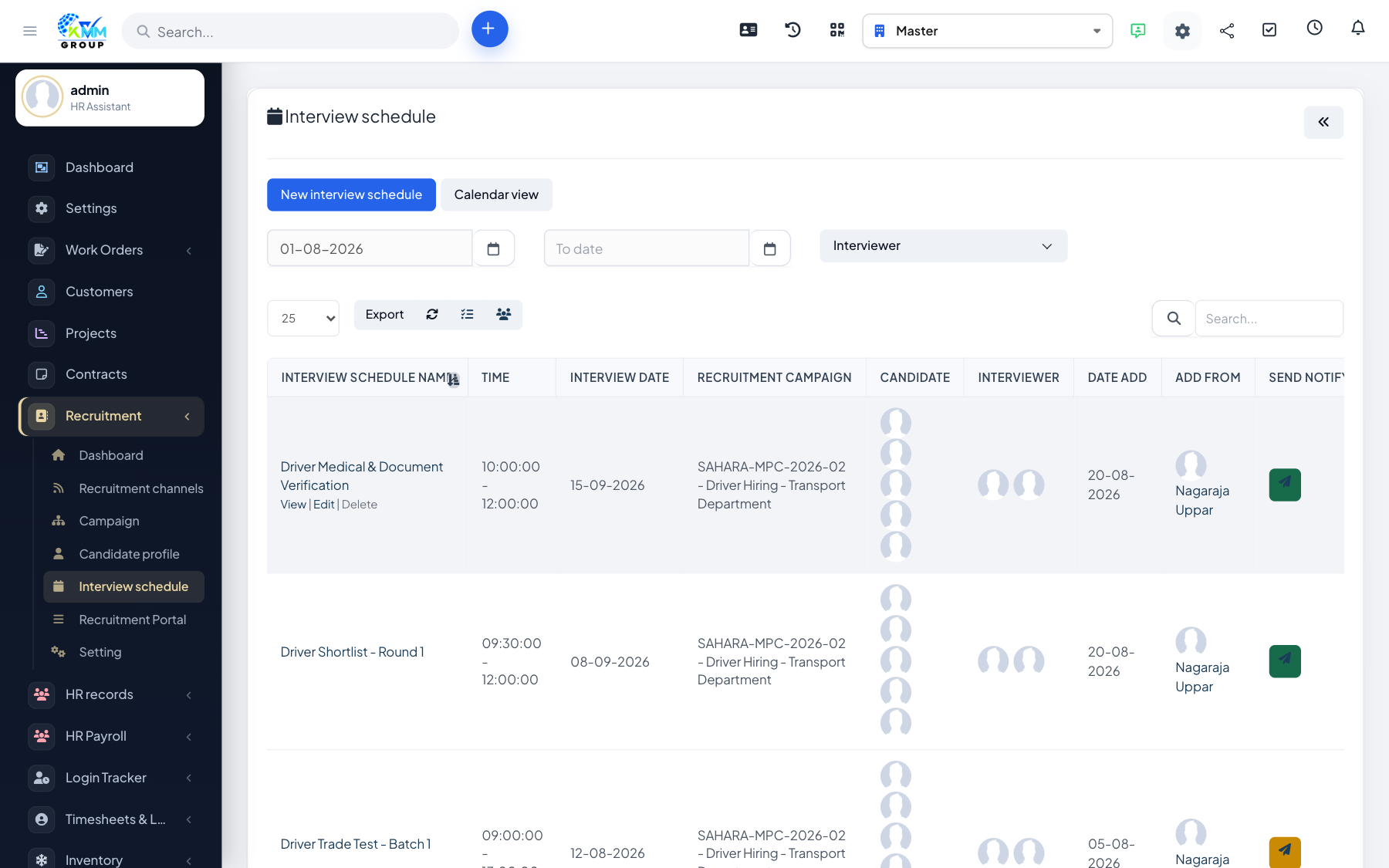
Interview scheduling coordinates who meets a candidate and when. It checks for clashes, notifies people by email, and links an evaluation form so the interview is scored, not just recorded.
Steps
- Go to Recruitment > Interview Schedule (
/admin/recruitment/interview_schedule) and create a schedule. - Pick the candidate, the interviewers, the date/time and the location (or meeting link).
- The system checks for time conflicts so you do not double-book an interviewer.
- Attach an evaluation form so interviewers can score the candidate during or after the meeting.
- Send the interview invitation email, then review everything on the calendar view.
Tips
- Add all interviewers so conflict checking works and everyone gets the invite.
- Use the calendar view to plan a full day of interviews without overlaps.