Overview
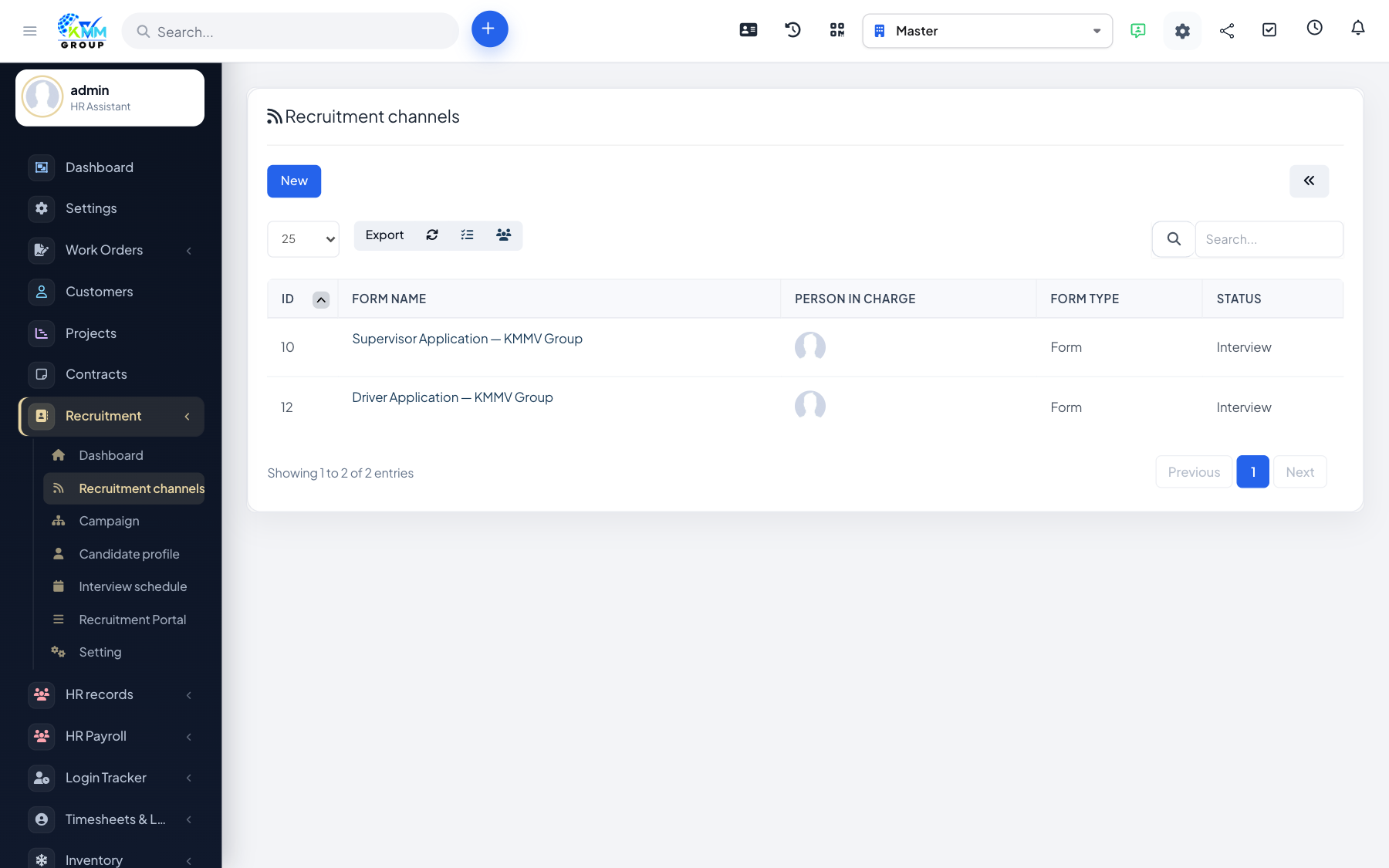
The recruitment portal is a public, candidate-facing job board. Applicants can register, browse your open roles, apply, and then track their own applications and interviews — reducing the number of status emails your team sends.
Steps
- Open Recruitment > Recruitment Portal (
/recruitment/recruitment_portal) to preview the public board. - Published campaigns appear there as jobs; candidates create an account and apply online.
- From the portal menu, candidates can view Applied Jobs and Interview Schedules, manage their profile and handle GDPR requests.
- Applications flow straight into the matching campaign for your team to review.
Tips
- Only campaigns you publish are visible, so you control exactly which roles appear.